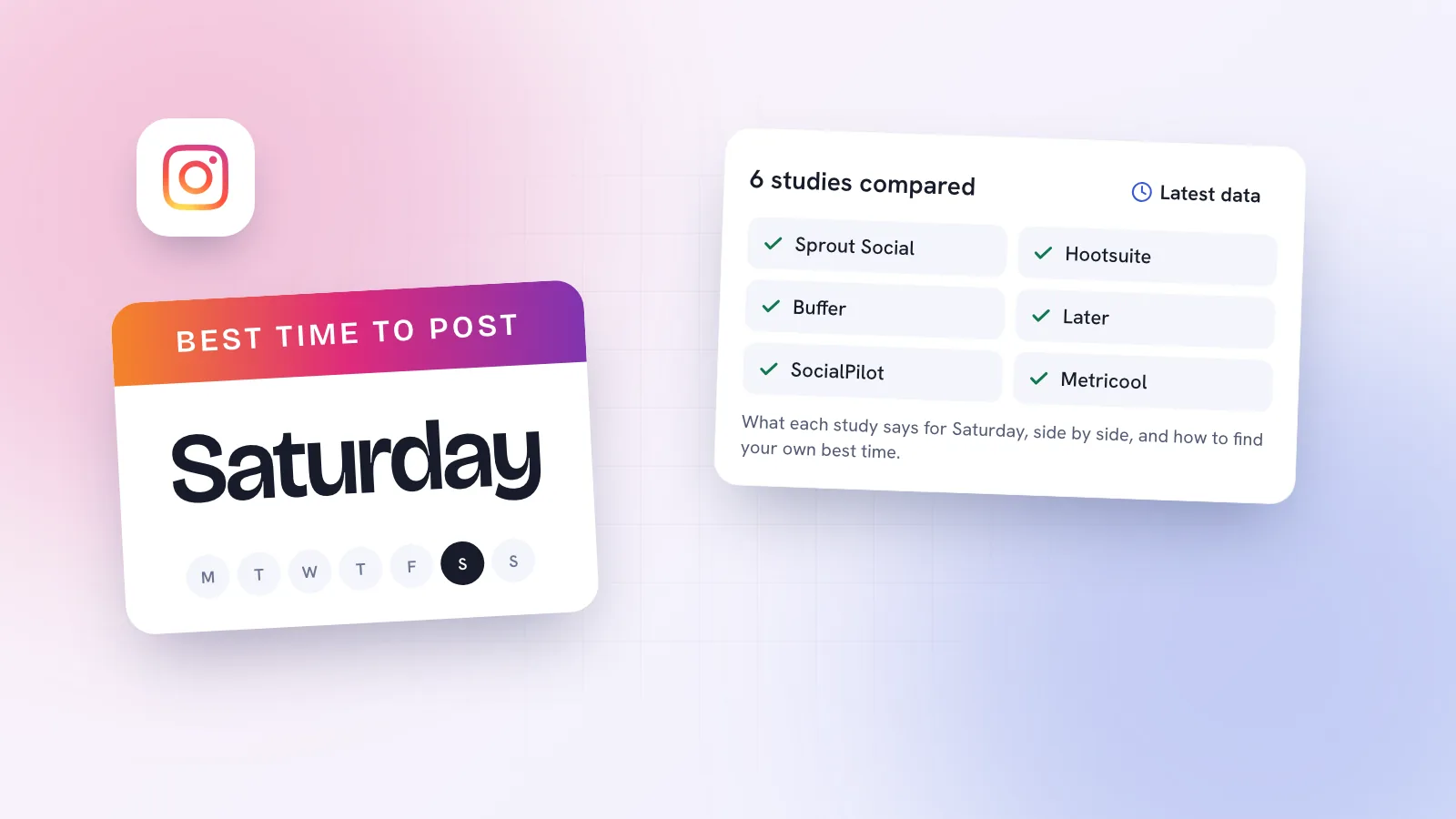

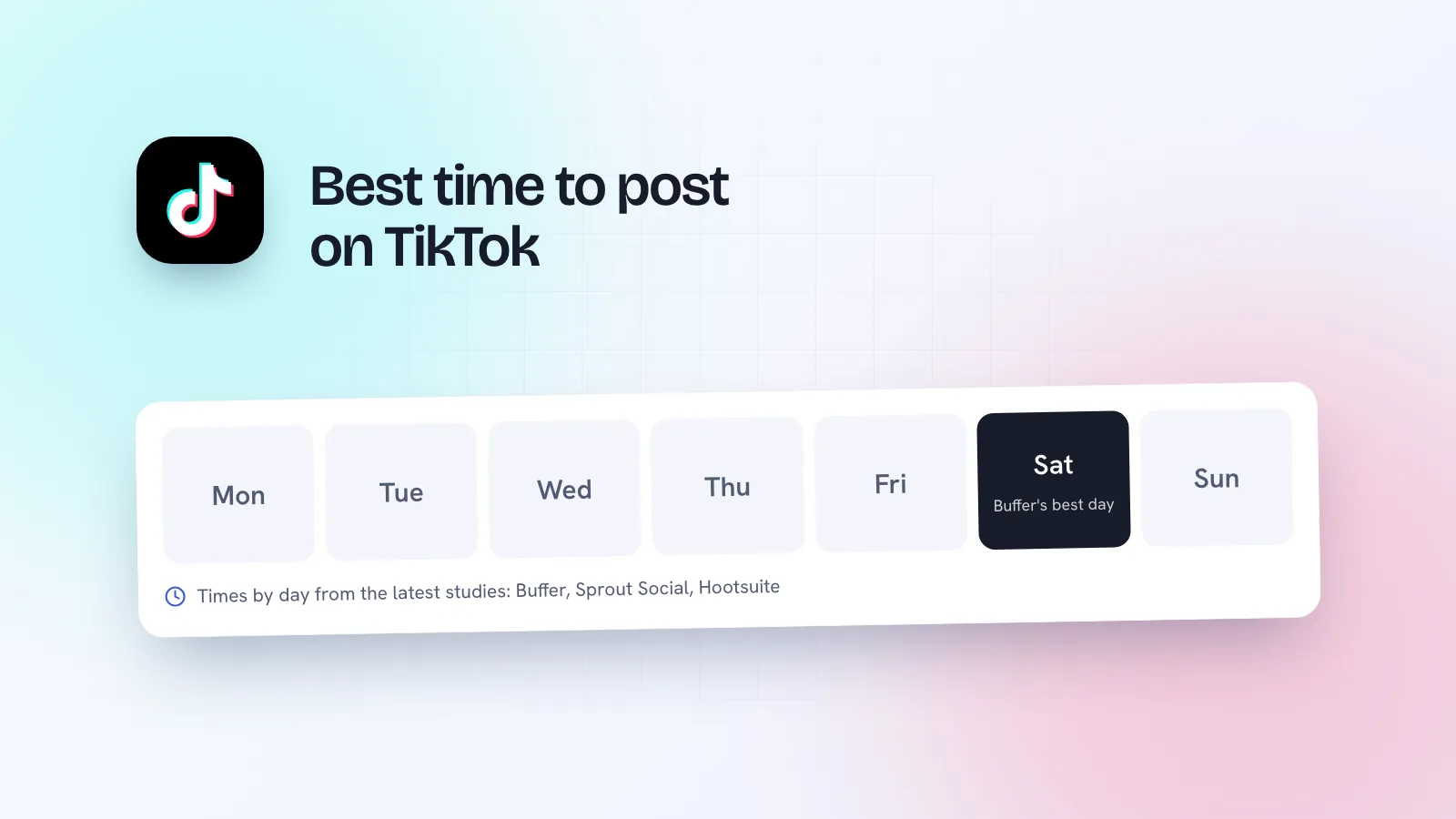
The short answer: weekday afternoons from about 1pm to 6pm, plus a weekend morning, are the safest starting points on TikTok in 2026. Buffer’s analysis of 7.1 million posts found the single best slot was Sunday at 9am, followed by Monday at 1pm and Sunday at 1pm, with Saturday the best day overall. Sprout Social’s 2026 data favours weekday afternoons and calls weekends the weakest. They don’t agree on everything, which is exactly why your own numbers matter more. All times below are in your audience’s local time.
This page is part of our wider guide to the best time to post on social media. Here we stick to TikTok: what each study found, day by day, why they differ, and how a small business or creator should actually use them.
Best time to post on TikTok by day
Three published studies, side by side. Buffer gives one top hour per day; Sprout Social and Hootsuite give windows.
| Day | Buffer (Sept 2026) | Sprout Social (Mar 2026) | Hootsuite (Nov 2025) |
|---|---|---|---|
| Monday | 1pm | 3–5pm | 5pm |
| Tuesday | 6am | 2–6pm | 10am–1pm |
| Wednesday | 10pm | 1–8pm | 4–6pm |
| Thursday | 1pm | 1–5pm | 7–9am |
| Friday | 6pm | 3–5pm | 4–6pm |
| Saturday | 5pm | Weakest day, no time given | 10am–7pm |
| Sunday | 9am | Weakest day, no time given | 8am–12pm |
Sources: Buffer, 7.1 million posts, published 14 September 2026, ranked by median engagement rate. Sprout Social, engagement across about 307,000 profiles on several networks, data from 27 November 2025 to 27 February 2026. Hootsuite, more than 1 million social posts, published 19 November 2025, times localised across 118 countries.
A few patterns hold across all three. Afternoons around 1pm and late afternoons around 5–6pm come up again and again on weekdays. Buffer also found engagement generally peaks in the evening, 6pm to 11pm. Late night on a Sunday rarely appears anywhere.
Best time to post on TikTok on Saturday and Sunday
This is where the studies split most. Buffer ranks Saturday as the best day (top hour 5pm), with Monday second and Sunday close behind, and its top slot of the whole week is Sunday at 9am. Hootsuite gives a long Saturday window from 10am to 7pm and Sunday mornings from 8am to midday. Sprout Social, on the other hand, lists weekends as the weakest days. If your customers are free at weekends, as a café’s or a salon’s often are, a weekend post is worth testing rather than ruling out.
Best time to post on TikTok today
Find today’s row in the table and pick the time that two sources roughly agree on. On a Monday, early-to-late afternoon. On a Friday, 4–6pm. On a Thursday, 1pm (Buffer) or the 1–5pm window (Sprout Social). Then post a little before it, so the video is there when people open the app.
Why do the TikTok studies disagree?
Not because one of them is wrong. They’re measuring different things:
- Different accounts. Each study looks at its own customers’ posts. Buffer users, Sprout Social users and Hootsuite users are different mixes of creators, brands and agencies.
- Different periods. Sprout Social’s data covers late November to late February, which includes the holiday season. Buffer’s and Hootsuite’s cover other stretches.
- Different measures. Buffer ranks by median engagement rate. Sprout Social counts engagements including reactions, comments, shares and link clicks, and pools TikTok into a study of several networks.
- Averages hide audiences. A late-night slot can win on average because of night-owl audiences that look nothing like a bakery’s customers.
TikTok also doesn’t show a video to everyone the moment it goes up. Creators and marketers report that it tests a video with a small group, then widens it if people watch to the end, rewatch and share. A good video can keep finding viewers for days, so the hour you post nudges the start rather than deciding the result.
What to post at those times (small businesses and creators)
Timing only helps a video people want to watch. Match the slot to what your audience is doing at that hour:
- Weekday lunchtime (around 1pm): quick, useful videos people can finish on a break. A physio’s 30-second desk stretch, a bakery showing today’s bake.
- Late afternoon and early evening (4–6pm): plans for tonight and tomorrow. Fig & Ember, a brunch café in Príncipe Real, Lisbon, might post tomorrow’s brunch special here so it lands while people are deciding where to go.
- Weekend mornings: browsing, not rushing. Longer behind-the-scenes, a full haircut transformation, a maker packing orders.
- Evenings (6–11pm): where Buffer saw engagement peak. Good for storytelling, before-and-afters and the “how we make it” videos people watch to the end.
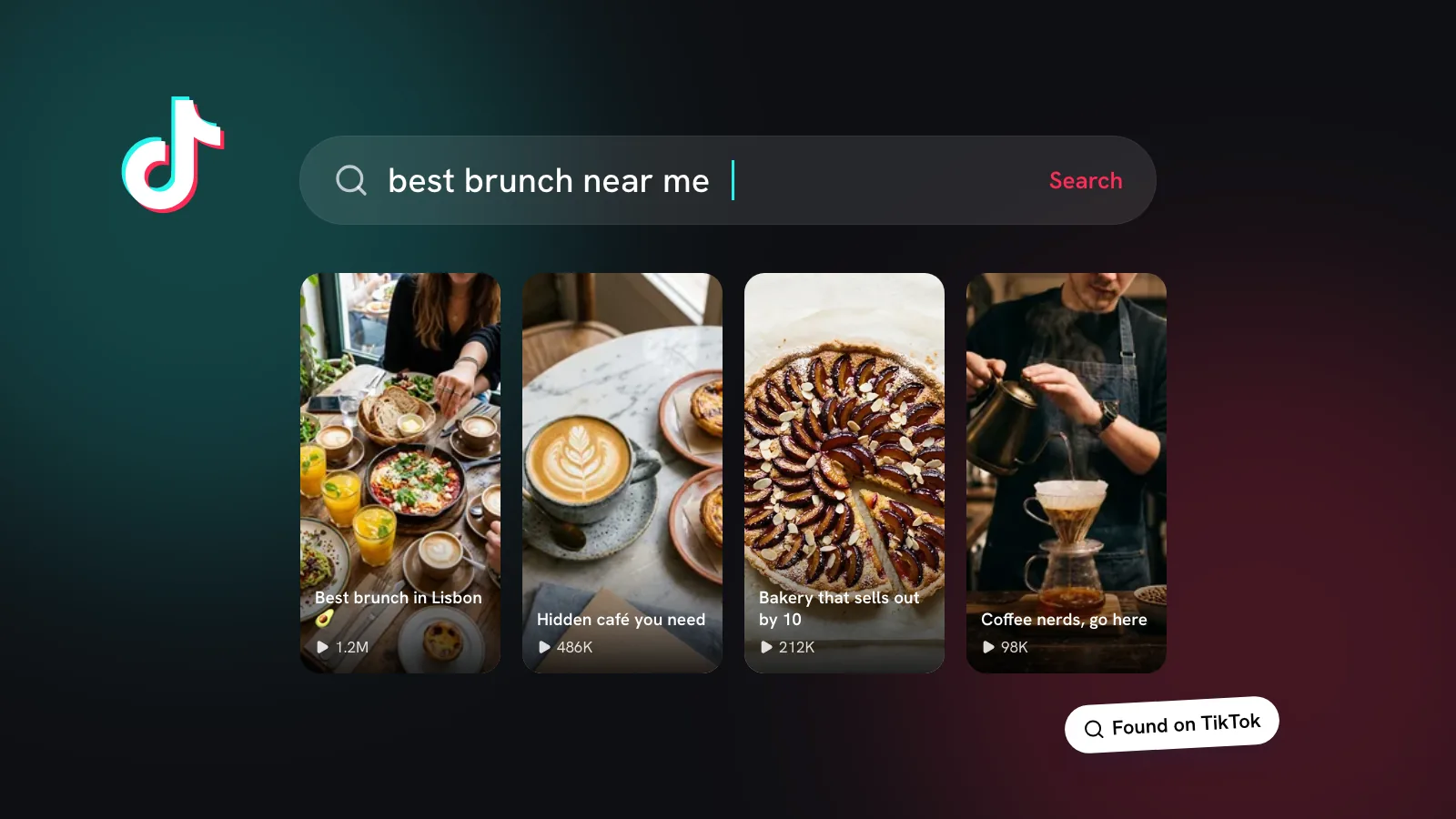
Say your keywords out loud, put them in on-screen text and write them into the caption. People search TikTok for things like “brunch Lisbon” or “physio near me”, and those searches keep working long after the posting hour has passed. Our piece on TikTok search for local customers explains how.
How to find your own best time to post on TikTok
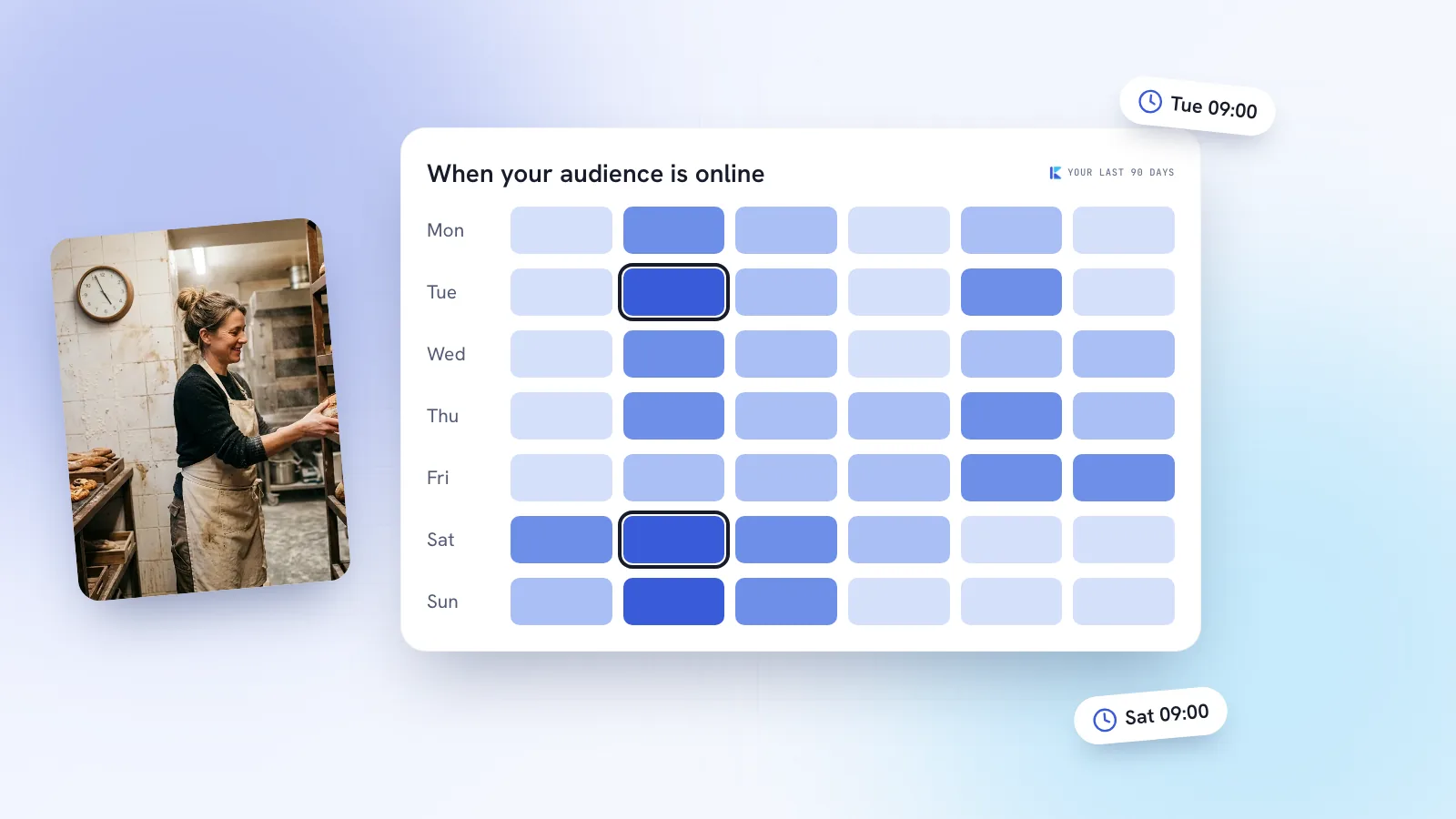
TikTok’s own analytics show when your followers are active. In the app, open your profile, go to TikTok Studio, then Analytics, and look at the followers section for follower activity by hour and by day. Menus move around, so if you can’t find it, search TikTok’s help centre for “follower activity”. Check which time zone the chart uses before you plan around it.
- Note the two or three busiest hours on the days you’d normally post.
- Pick two slots, say 1pm and 6pm, and alternate them for four weeks, keeping the number and type of videos steady.
- For each video, record views and average watch time after 48 hours, plus shares, saves and any enquiries it brought in.
- Look for a consistent lean, not one lucky video. If neither slot wins, timing isn’t your problem; the videos are.
How Kebo helps
Kebo’s Analytics reads your own TikTok results alongside your other platforms and shows the days and times that win for your account, not an average of millions. Those times appear in the Publisher as one-tap suggestions when you schedule, and the video goes out to TikTok on its own at the time you set. If a post fails, you’re told and can reschedule. It’s the four-week test above, running quietly in the background.