
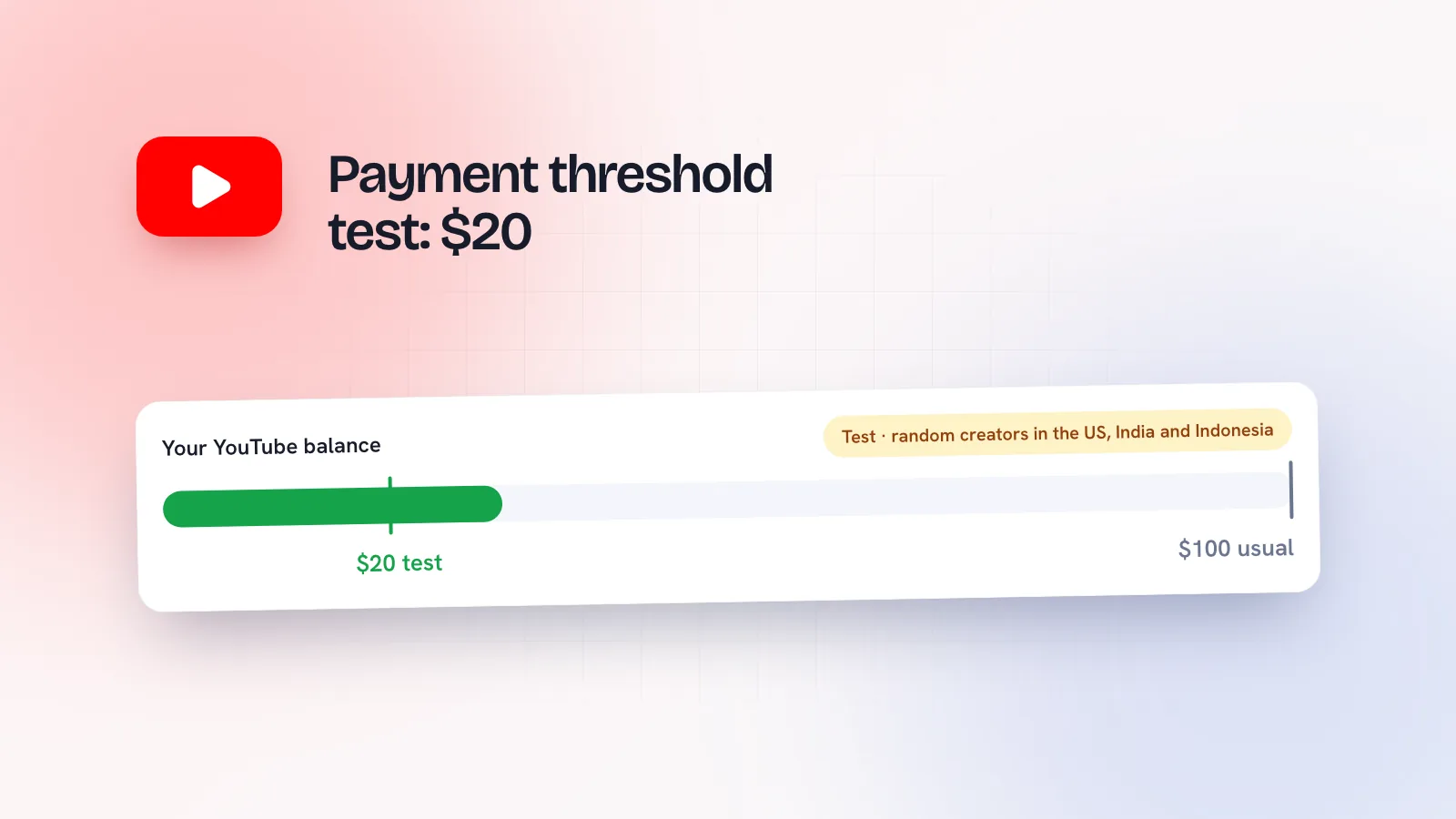
Small YouTube channels have always had to wait. Earnings sit in your account until they reach $100, and for a channel making $20 or $30 a month that can mean months before any money arrives. YouTube is now testing a much lower bar. Here’s exactly what it announced, who it applies to, and what it doesn’t change, because a lot of the coverage has got it wrong.
What YouTube announced
In its test features and experiments thread on 26 October 2026, YouTube said it’s “temporarily running an experiment” that lowers the minimum payment threshold from $100 to $20 (or the local currency equivalent). The details:
- Who: a randomly selected group of creators in the US, India and Indonesia.
- When: starting from October 2026 payments.
- How you’ll know: creators in the test get a notification and can track their updated payment activity in YouTube Studio on mobile.
- Opting out: if you’re in the test and prefer a higher threshold, YouTube says you can change it in AdSense for YouTube.
YouTube hasn’t said how long the test will run or whether it will reach other countries.
What the headlines got wrong
Some posts and videos say “YouTube lowered the payout to $20”. That’s not what YouTube said. Four things to keep straight:
- It isn’t for everyone. It’s a temporary test for a random group in three countries. If you haven’t had a notification, assume your threshold is still $100.
- It doesn’t change what you earn. Your revenue share and ad rates are the same. The test only changes how much has to build up before Google pays you.
- It doesn’t change payment dates. You’re still paid once a month, on the same schedule (below).
- It’s about YouTube earnings, not website AdSense. YouTube’s post covers payments from YouTube and points to AdSense for YouTube. Google hasn’t announced a lower threshold for publishers earning from ads on their websites.
How the YouTube payment threshold works
YouTube pays creators through AdSense for YouTube, and Google’s payment threshold page says you’re paid when your earnings reach the threshold, as long as there are no holds on your account. The standard threshold is $100, or €70, £60 and Rp1,300,000 in those currencies. Google’s payment timeline runs monthly:
| When | What happens |
|---|---|
| During the month | Estimated earnings build up. |
| 7th–12th of the next month | Last month’s finalised YouTube earnings are added to your YouTube balance in AdSense. |
| 20th | Your balance must have reached the threshold by now, and any payment details or holds must be sorted. |
| 21st–26th | If you’re over the threshold, the payment is issued. If not, the balance rolls over to next month. |
If you have separate AdSense and YouTube payments accounts, Google says each one needs to reach the threshold on its own.
A worked example. Say your channel earns $35 a month. With a $100 threshold, January, February and March together reach $105 once March’s earnings are added in April, so your first payment is issued around 21–26 April. With a $20 threshold, January’s $35 is already over the bar by 20 February, so you’re paid around 21–26 February, and then every month after. Same total money, but it arrives two months sooner and in smaller amounts.
What about India and Indonesia?
YouTube says the test threshold is $20 “or local currency equivalent”, but it hasn’t published the local amounts. Google’s public threshold table lists Rp1,300,000 as the standard Indonesian rupiah threshold and doesn’t list a rupee amount, so any rupee figure you see online for the test is someone else’s conversion. Check your own Payments page in AdSense for YouTube for the number that applies to you.
How to check if you’re in the test
- Look for the notification YouTube says it sends to creators in the test.
- Open YouTube Studio on your phone and check your payment activity.
- Sign in to AdSense for YouTube and look at your payment settings and balance.
If you are in it and would rather get fewer, larger payments (some creators prefer this for bank fees or bookkeeping), Google’s steps to change your threshold are: Payments, then Payments info, then Manage settings, then edit Payment schedule and save a higher amount. Google says changes to payment information made after the 20th only take effect the following month.
If you’re not in the test
YouTube chose the group at random and hasn’t offered a way to join, so there’s nothing to apply for. Your threshold stays at $100 and your earnings carry over until you reach it. The useful move is the same as ever: make sure your payment details in AdSense for YouTube are complete and any payment holds are cleared before the 20th, so you’re not left waiting for money you’ve already earned.
The bigger YPP change coming on 1 February 2027
Separately, YouTube has published updates to the YouTube Partner Program that start on 1 February 2027. The ones that matter most for smaller channels:
- Higher entry bar for new channels: 1,000 subscribers plus 8,000 qualified watch hours in the last 365 days, or 20 million qualified Shorts views in the last 90 days. Channels already in YPP aren’t affected.
- Shorts earnings: to earn each month from the Shorts Creator Pool, you’ll need 10 million qualified Shorts views over the last 90 days. Missing it doesn’t remove you from YPP or affect other earnings.
- Fan funding stays the same: 500 subscribers and 3,000 watch hours or 3 million Shorts views.
- Terms: to keep fully monetising, review and accept the updated terms in YouTube Studio by 31 January 2027.
Put together, it’s a mixed picture: smaller payouts may arrive sooner for some, while getting into YPP gets harder for new channels from February. If you’re close to the current bar, the next three months matter. A clear format helps here; Shorts series are one way to give people a reason to keep watching.
Don’t rely on one platform’s payouts
A creator earning $35 a month from ads usually earns more from what the audience leads to: brand deals, coaching, products. That’s easier when you’re visible in more than one place. Kebo doesn’t connect to YouTube, but it helps creators run Instagram, TikTok, Threads and Facebook alongside it, and its Analytics shows what’s working across those platforms in one view. See how it works for content creators, or browse everything for creators.