
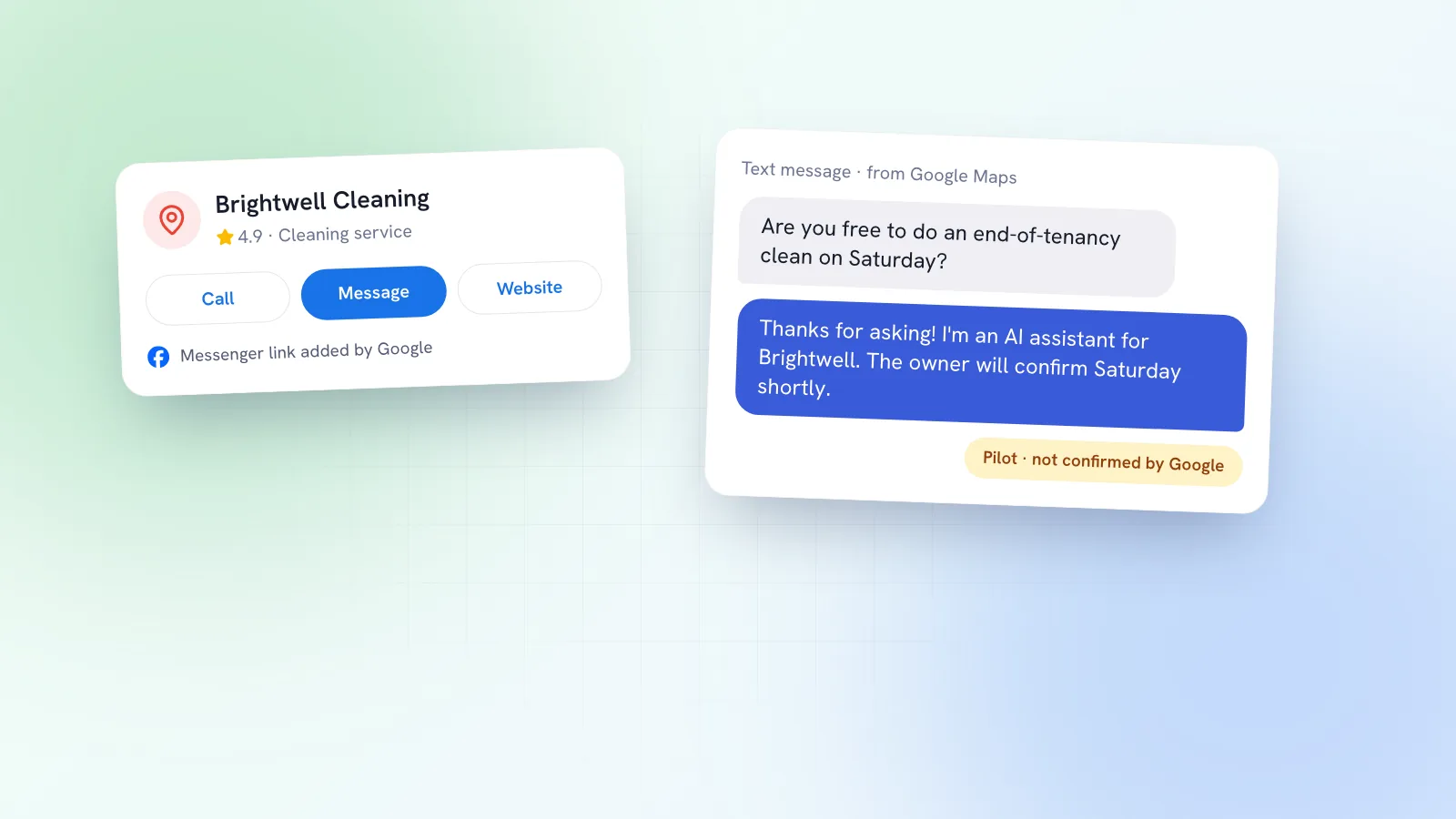
More than two years after Google switched off chat on Business Profiles, messaging is creeping back, this time with an AI agent doing the first reply. At the same time, some owners are finding Facebook Messenger links added to their profiles without asking. If you run a local or service business, enquiries from Google are often the ones closest to a booking, so this is worth ten minutes. Here’s what’s been reported, what Google has and hasn’t confirmed, and what to check.
Didn’t Google shut down Business Profile chat?
Yes. Google’s help centre confirms that as of 31 July 2024 the chat and call history features were no longer available in Business Profiles, and customers with open chats were told on 15 July 2024. The new messaging is a different product: customers message from their phone’s own messaging app, and an AI agent answers first.
How the AI messaging pilot works
On 29 October 2026 Search Engine Roundtable reported that Google appears to be opening the pilot to more businesses. Based on an invitation email shared by local search expert Mike Blumenthal and a walkthrough from Claudia Tomina, it works like this:
- Customers message you from Search and Maps. The conversation opens in their phone’s native messaging app, not a Google chat window.
- An AI agent answers routine questions. Google’s invitation says it does so “instantly and at no cost”. Think opening hours, today’s specials or whether you have Saturday free.
- Harder questions come to you. The email says the agent will redirect complex questions to you, and you can take over any conversation at any time. Messages show in your Business Profile.
- It depends on RCS. Tomina reports the agent only works for customers whose phone and network support RCS (the newer, richer text messaging standard). Everyone else’s texts go straight to your phone, and standard text rates may apply.
- Look for a red dot on Messages in your profile if you’ve been given access, according to Tomina.
Her most useful line: the agent “can only answer as well as your profile does.” If your hours are wrong or your services list is thin, the AI will repeat that to customers.
Google adding Messenger links to profiles
Separately, on 28 October 2026 Search Engine Roundtable reported that Google has been emailing owners to say it’s automatically adding Facebook Messenger m.me links to their Business Profiles. An m.me link opens a chat with a Facebook Page in Messenger. Google hasn’t commented, and it isn’t clear how many profiles are affected.
Google’s own help page on social links does say that some profiles may show social media links automatically, that you can replace a link Google added, and that you should contact Google if you want one removed without replacing it. Social links are only available in select regions. Messenger isn’t in that page’s list of supported platforms, so these m.me links look like something new.
Why it matters: if a Messenger link appears on your profile, customers can message you there. That’s fine if someone checks Messenger every day. If your Facebook Page is quiet and nobody looks, it’s a door to an empty room.
Asked for an EIN and a privacy policy?
Also on 28 October, Search Engine Roundtable reported that some businesses setting up the message button were asked for their Employer Identification Number (EIN) and a privacy policy URL. The on-screen notice says a Google partner will review the details “to help protect you and your customers” before you can receive messages, and that this takes about three to four working days. An EIN is a US tax number, which suggests these requests are aimed at US businesses for now, though Google hasn’t said so.
What to check on your profile now
- Hours, including holidays. The AI agent will quote them. Set special hours for the run-up to Christmas now.
- Services and prices. List what you do in the words customers use (“boiler service”, “gel nails”, “sports massage”), with starting prices where you can. Vague profiles get vague AI answers.
- Social links. Open Edit profile, then Contact, then Social profiles. Remove or replace any link you don’t monitor, including a Messenger link Google may have added.
- Messages. If you see a red dot or an invitation, read what the agent will say before switching it on, and decide who takes over the conversations it hands back.
- A privacy policy page. If you don’t have one on your website, it’s worth adding; Google is asking for it in some set-ups.
- Your phone. Non-RCS messages reportedly go straight to it as texts. Make sure the number on your profile is one someone actually answers.
Why this matters for enquiries
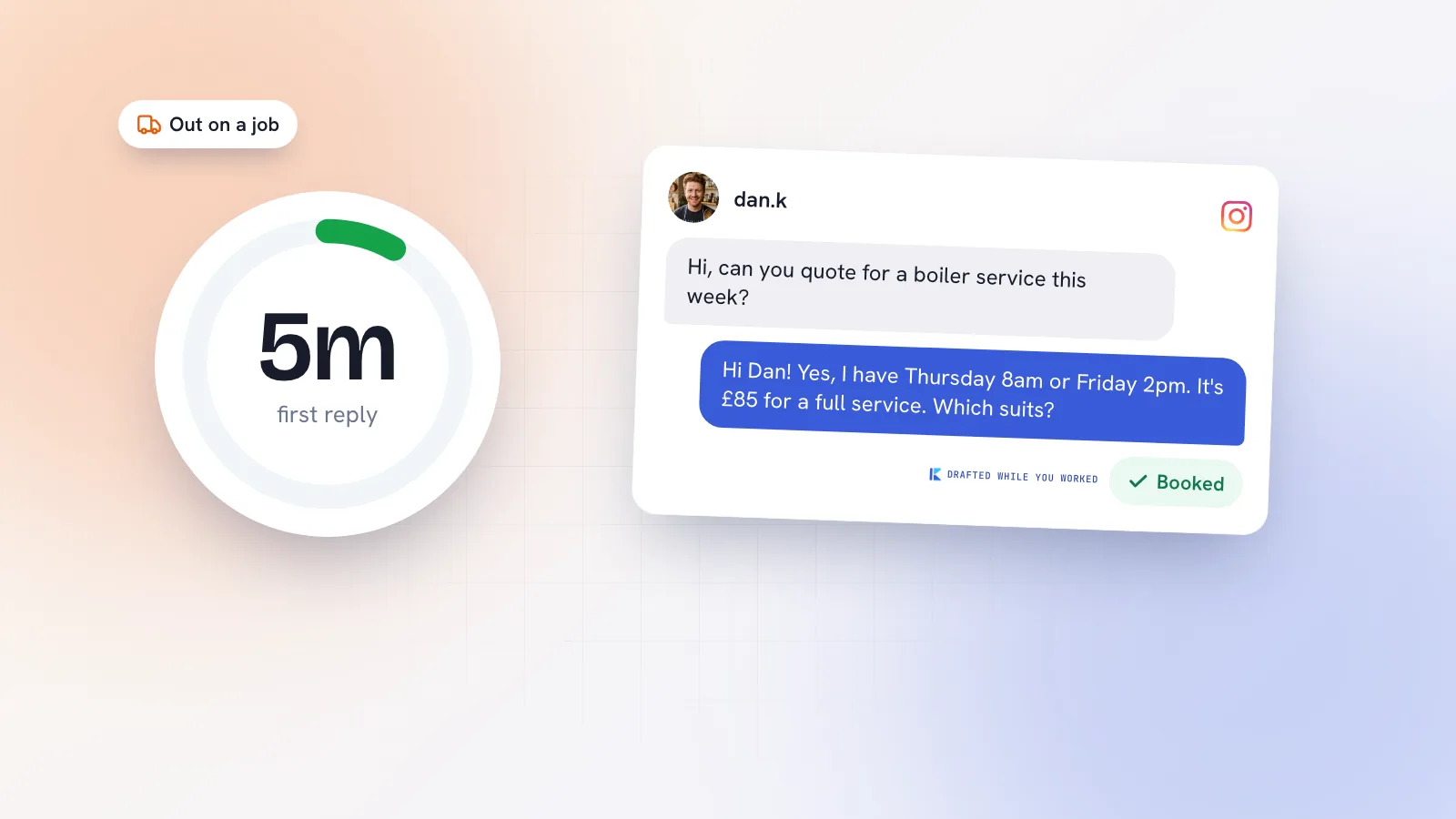
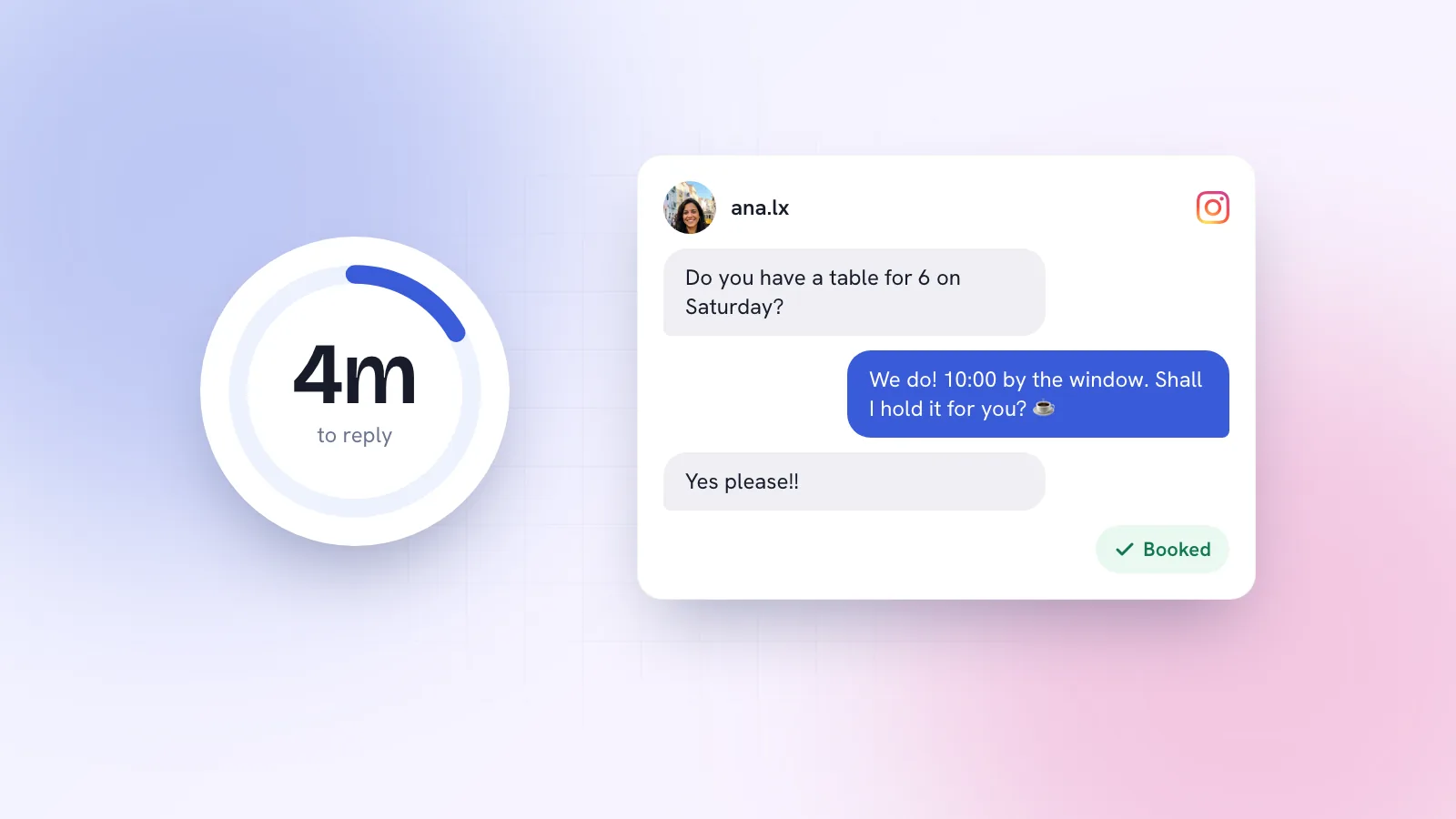
Someone messaging a plumber or a physio from Google Maps usually needs something soon, and they’ll often message two or three businesses at once. The first useful reply tends to win. That’s the whole idea behind speed to lead, and it’s the same reason replying to DMs within the hour matters on Instagram.
Google’s agent can cover the routine questions, but the conversations it hands back are the ones that turn into jobs. And with Messenger links appearing on profiles, more enquiries may land in Meta’s apps instead. The practical answer is one routine: check every channel customers can reach you on at set times, and reply to the ones that look like bookings first.
Where Kebo fits
Kebo doesn’t connect to Google Business Profile messages. Its Inbox covers Instagram DMs and comments and Facebook Messenger, so if Google sends customers to your Messenger, Kebo can draft the reply in your voice, steering towards a booking, and you press Send. It never messages anyone first. For how this works for plumbers, cleaners, physios and other trades, see Kebo for service businesses.