
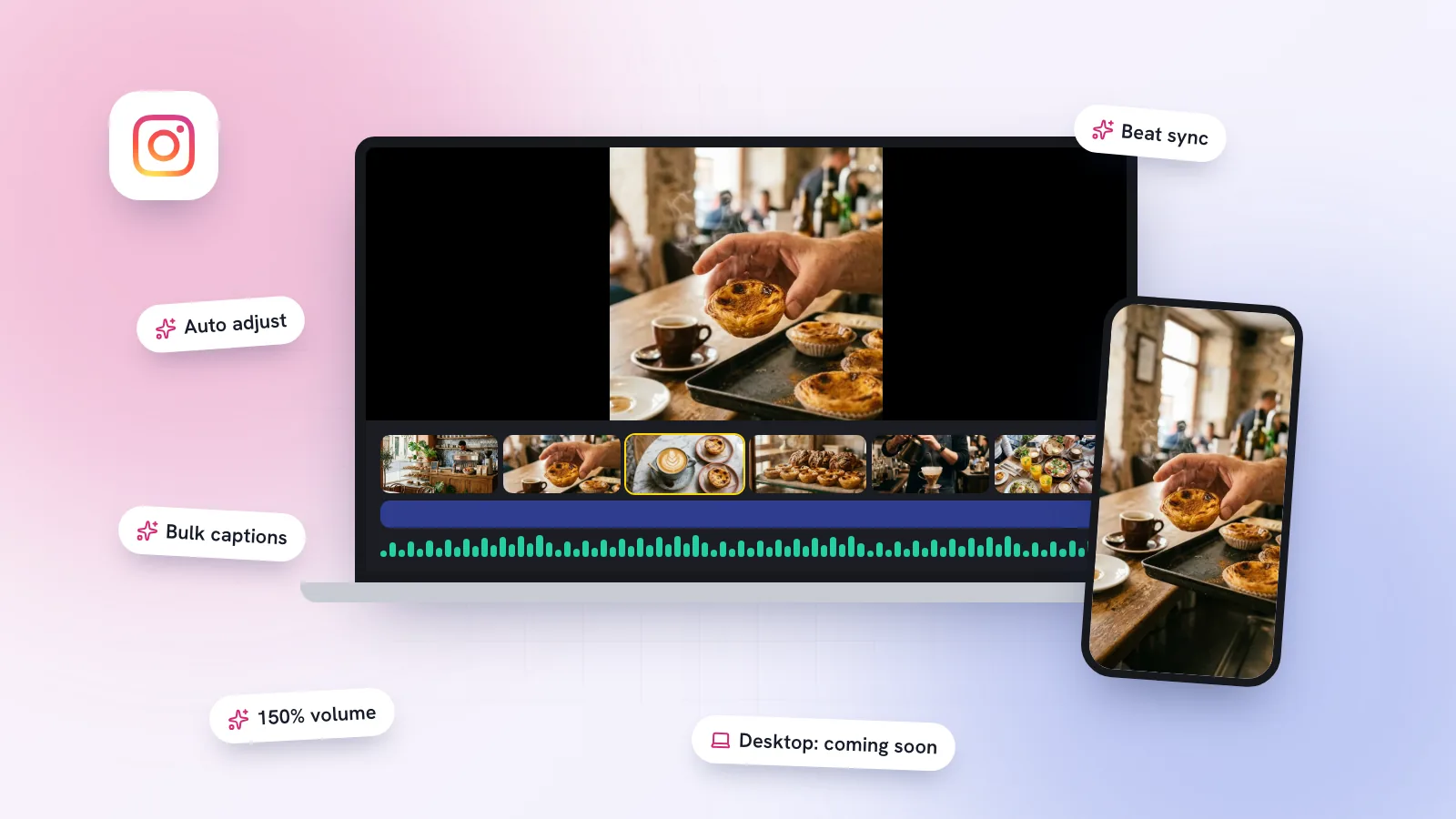
If you make Reels for your business, you’ve probably used CapCut at some point. Instagram would rather you used Edits, its own free editing app, and it keeps giving you reasons to. This week brought another batch of features, and a desktop version is on the way. Here’s what’s actually confirmed, what’s new, and whether it’s worth switching.
What is the Instagram Edits app?
Edits is a video editing app made by Instagram for creating Reels. Adam Mosseri announced it in January 2025, and it launched on iOS and Android in April 2025. It’s free, and according to its App Store listing you can export in 4K with no watermark and share to any platform, not just Instagram.
- Editing on a timeline with trimming, transitions, effects and text.
- Automatic captions with custom styles, which matter because most people watch with the sound off.
- Green screen, cut-outs and video overlays, so you can put yourself in front of a product shot or menu.
- An insights dashboard showing how your Reels perform, inside the same app you edit in.
- Versions for testing: since June 2026 you can make several versions of a Reel to try before publishing, alongside an Inspiration feed you can search.
Is there an Edits app for desktop, PC or Mac?
Not yet. On 11 June 2026 Meta previewed a desktop version of Edits to creators, describing it as coming soon, with projects that sync between your phone and your computer (TechCrunch, Social Media Today). As of 27 October, coverage still describes it as coming soon, with no date.
For small businesses, desktop matters more than it sounds. Many owners shoot on a phone but plan and batch content on a laptop. Being able to start a Reel on your phone during the day and finish captions and text on a bigger screen in the evening is exactly the kind of workflow that makes posting four times a week realistic.
At the same event Meta also announced an AI assistant in Edits that uses your Instagram insights to suggest ideas. It was still in testing at the time.
What’s new in Edits this week?
Instagram announced a new set of Edits features on 27 October 2026 (Social Media Today). The useful ones for a business:
| New feature | Why it helps |
|---|---|
| Automatic colour and brightness adjustment | Phone footage from a dim café or salon looks better in one tap. The App Store notes list it as “auto adjust”. |
| Beat-synced flash and zoom effects | Cuts that land on the music without editing frame by frame. |
| Bulk caption editing and more caption styles | Fix a misheard word once, everywhere, instead of caption by caption. |
| Clip volume up to 150% | Make a quiet voiceover or a sizzling pan audible over music. |
| Carousel editor on Android | It reached iOS earlier in October. Build carousels in the same app as your Reels. |
| 13 new text animations | More ways to make on-screen text, like prices and opening times, stand out. |
| Seasonal extras | Halloween fonts, sounds and animations, and a filter made with the musician Ayra Starr. |
What is Edits Plus, and will Edits stay free?
Edits itself is free. On 15 September 2026 Meta announced Meta One, a set of subscriptions, and said Edits Plus is coming to it, offering “more cloud storage so you can sync and access projects across devices” plus more use of the upcoming Edits assistant (Meta). Later reporting says Edits Plus includes 200GB of cloud storage, needs an Instagram personal or creator account, and is bought inside the Edits app. Meta hasn’t announced a price.
You may also see claims of 3TB or 6TB of Edits storage with Meta One business plans. We couldn’t find those in anything Meta has published, so treat them as unconfirmed for now.
Edits vs CapCut: which should a small business use?
| Edits | CapCut | |
|---|---|---|
| Made by | Instagram (Meta) | ByteDance, which owns TikTok |
| Price | Free; Edits Plus storage coming | Free tier, with a paid Pro plan |
| Watermark | No watermark on export | Free exports are clean, but some templates and Pro effects add one |
| Desktop | Announced, not yet released | Yes |
| Best for | Reels, with Instagram insights built in | Heavier editing and templates, especially for TikTok |
If Instagram is your main platform, start with Edits. It’s free, clean on export, and puts your Reel insights next to your edits. If you rely on CapCut’s templates or already do most of your editing on a computer, keep CapCut for now and look again when Edits for desktop arrives. Many businesses will use both: one for quick Reels, one for bigger projects.
How to make better Reels faster, whatever app you use
- Film in batches. Ten minutes before opening can give you clips for a week of Reels.
- Write the hook before you film. The first two seconds decide whether anyone watches the rest.
- Caption everything. Use auto captions, then fix names, prices and opening times with bulk editing.
- Test two versions. Edits lets you make versions to try before you publish; use it on the hook.
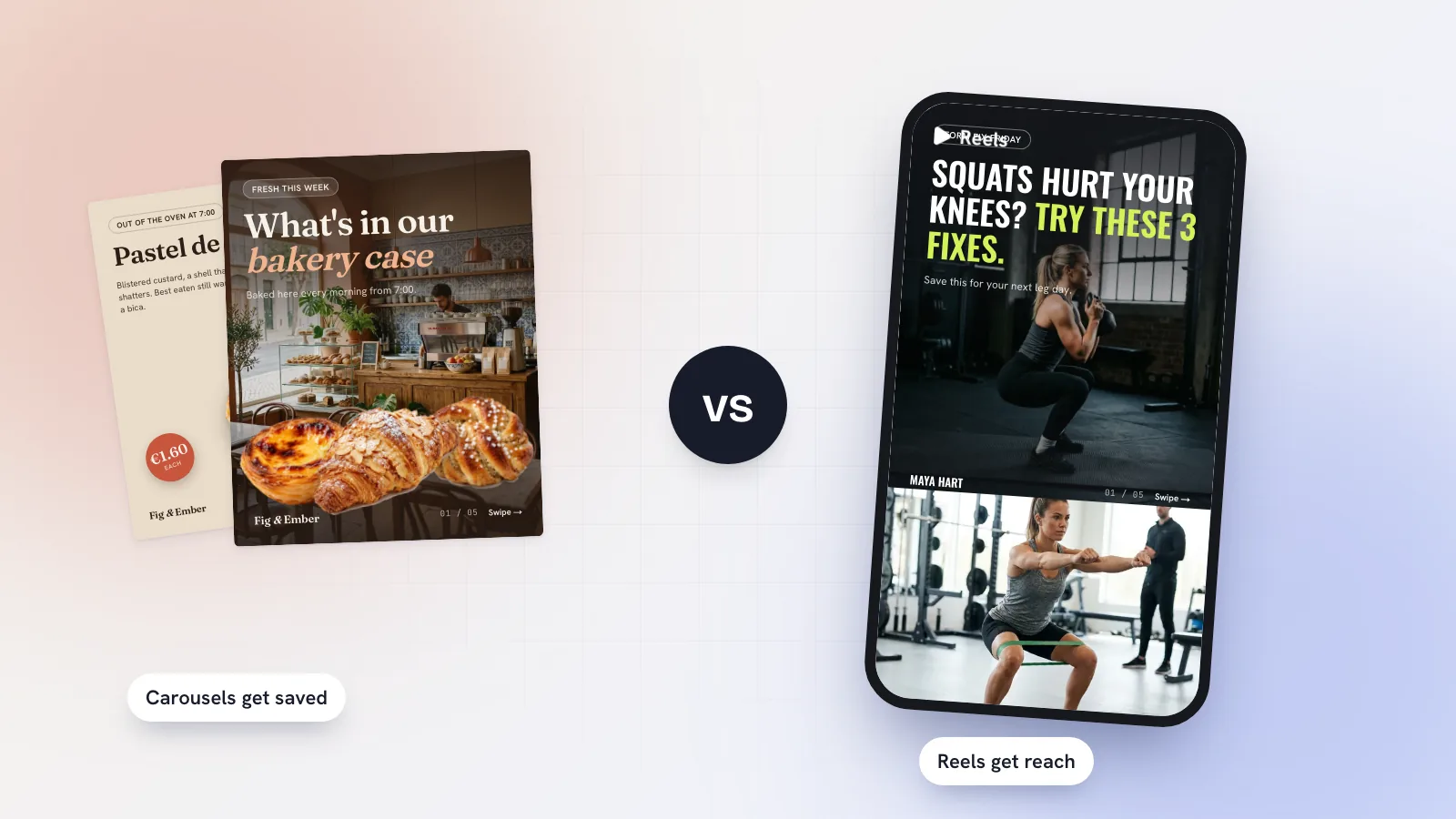
- Mix in carousels. Carousels get saved, Reels get reach. See carousels vs Reels in 2026.
Kebo’s Content Studio takes care of the step before editing: it suggests ideas backed by Reels working in your niche, writes three scored hooks and a script with timings, and designs carousels in your brand. The Publisher then schedules your finished Reels at your best times. If you run a gym or studio, see social media for fitness trainers for what a week of Reels can look like.