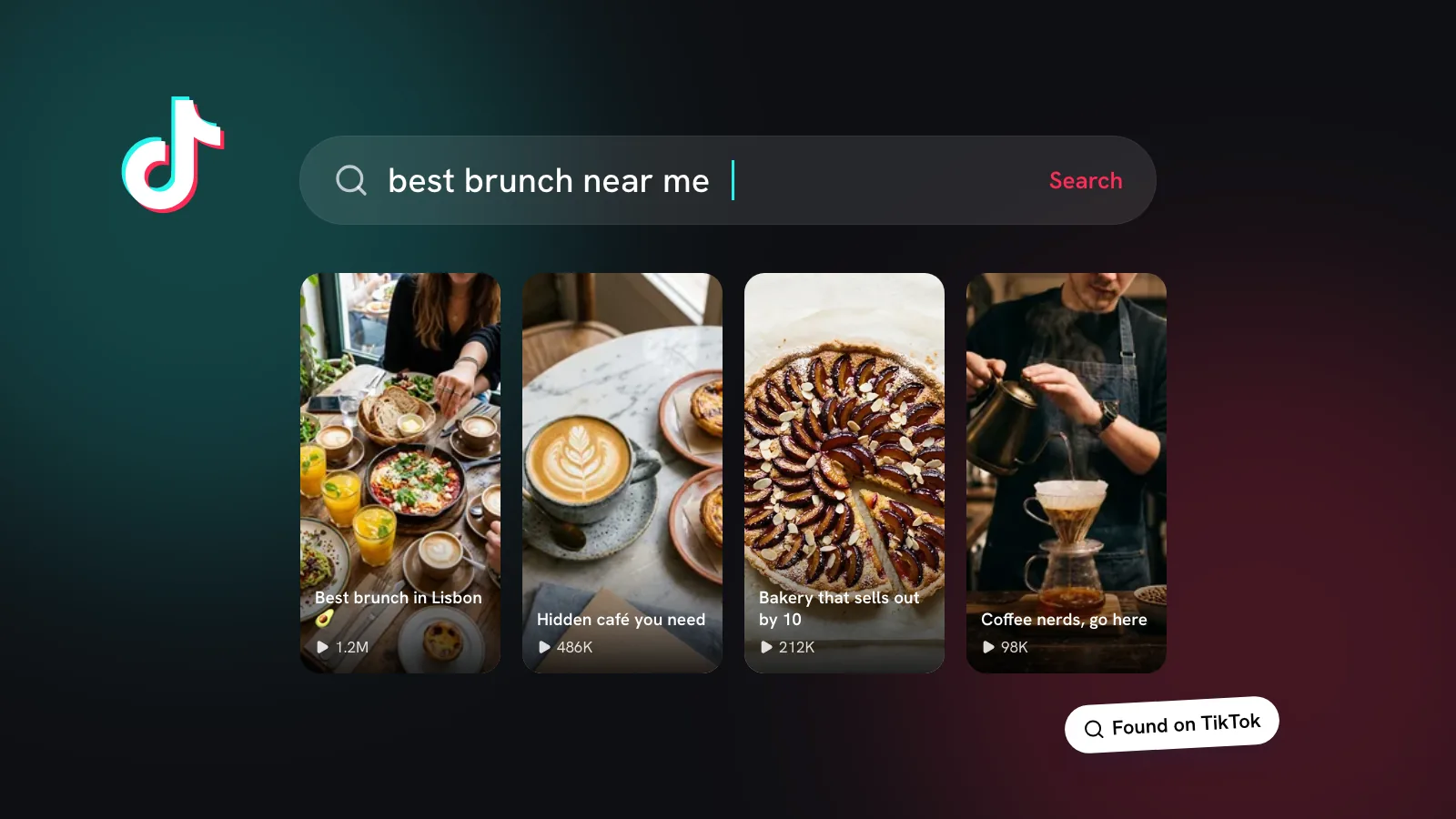

TikTok wants to be where people decide where to eat, and two recent changes push that further. Must Eat, launched on 28 October, turns TikTok’s food videos into a restaurant guide. And since September, comment sections have gained voice notes, polls and photo replies. If you run a café, restaurant or any local business, here’s what each one is and what to do about it.
What is TikTok Must Eat?
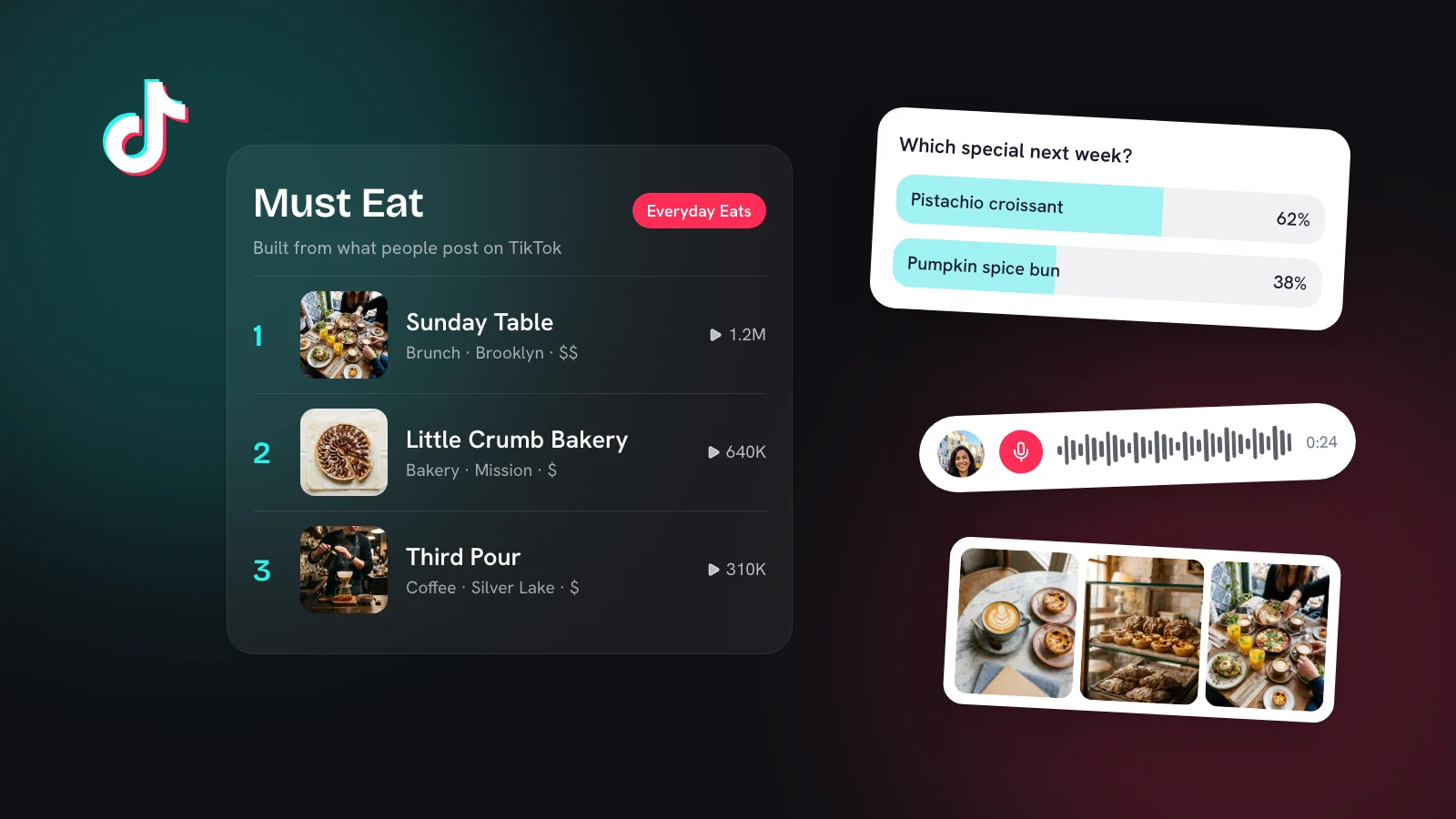
Must Eat is a restaurant guide inside TikTok. TikTok says it’s built from more than 40 million TikTok posts, reviews and comments, and it sits within TikTok GO, the app’s local discovery and booking feature (TikTok, TechCrunch).
- Where: the areas around New York City, Los Angeles and the Bay Area. TikTok hasn’t announced more cities yet.
- Two lists per city: Everyday Eats and Elevated Dining, which people can filter by cuisine, price, score and location.
- Restaurant pages show the neighbourhood, price range, why people recommend it, and the videos that mention it. People can save places to their Collections.
- Booking: selected restaurants can be booked inside TikTok through OpenTable.
- Where people find it: the search bar, the Local feed, location pages, and the location tags on videos about listed restaurants.
No restaurant can pay to be featured.TikTok, announcing Must Eat
How does a restaurant get into TikTok’s Must Eat guide?
You can’t apply or pay. TikTok says the lists come from what the community posts and says, that “independent restaurants and local specialties take priority”, and that every restaurant is checked to confirm it’s open and in good standing before a list goes live. There’s no claim-your-listing process like Google Business Profile.
So the practical route is the same one that already works on TikTok: get people posting about you, and make it easy for those posts to point at your business.
- Make sure your location exists on TikTok and is spelled the way people search for you, so videos can be tagged to it.
- Give people something worth filming. A signature dish, a reveal moment, a view. If it looks good on a phone, people will post it.
- Ask, gently, at the right moment. A small sign by the counter (“Tag us on TikTok”) or a line on the receipt does more than a big campaign.
- Post your own videos with your location tagged, using the words people search: the dish, the neighbourhood, “brunch”, “late-night”. Our guide to TikTok search for local businesses covers how.
- Reply to the people who mention you. Comments are part of what Must Eat is built from, and replies keep the conversation going.
- Consider OpenTable if you take bookings, since that’s how selected restaurants can be booked inside TikTok.
What’s new in TikTok comments?
On 3 September 2026 TikTok announced four new comment types, which rolled out globally through September and October (TikTok):
| Feature | How it works | How a business can use it |
|---|---|---|
| Comment polls | Creators add a poll when commenting on their own video: up to five options, with a voting window they set and results shown live. | Let customers choose next week’s special, a new flavour or opening hours. |
| Voice comments | Record a reply of up to 60 seconds. Anyone can listen; only accounts 18+ can post them. | Answer a question in your own voice. It feels personal in a way text doesn’t. |
| Photo carousel comments | Reply with up to nine photos in one comment. | Show the menu, the room or the finished product when someone asks. |
| Live Photo comments | Post Live Photos from your camera roll, with their brief motion. | A quick, real moment: the pour, the steam, the reveal. |
TikTok says more than 1.7 billion comments are posted every day, and it moderates voice comments under the same Community Guidelines as everything else, using automated detection, including speech-to-text, and human review.
How should small businesses use TikTok comments now?
Comments used to be an afterthought. With polls, voice and photos, they’re a second place to post. A few habits that work:
- Pin a poll under each new video that asks something customers genuinely have an opinion on. It gives people an easy reason to engage.
- Answer the best question with a voice reply. Thirty seconds in your own voice builds more trust than a typed “DM us!”.
- Use photo replies for “what does it look like?” questions, like portion sizes, colours or the room for a private booking.
- Reply within a day. Early engagement keeps your video in front of people, and fast replies turn curious viewers into visits.
Kebo helps with the time this takes. The Engagement Center finds posts worth joining in your area each morning and drafts a comment for each, which you post yourself. The Content Studio suggests videos backed by what’s working in your niche, with hooks and scripts. If you run a café, see social media for cafés and restaurants.