
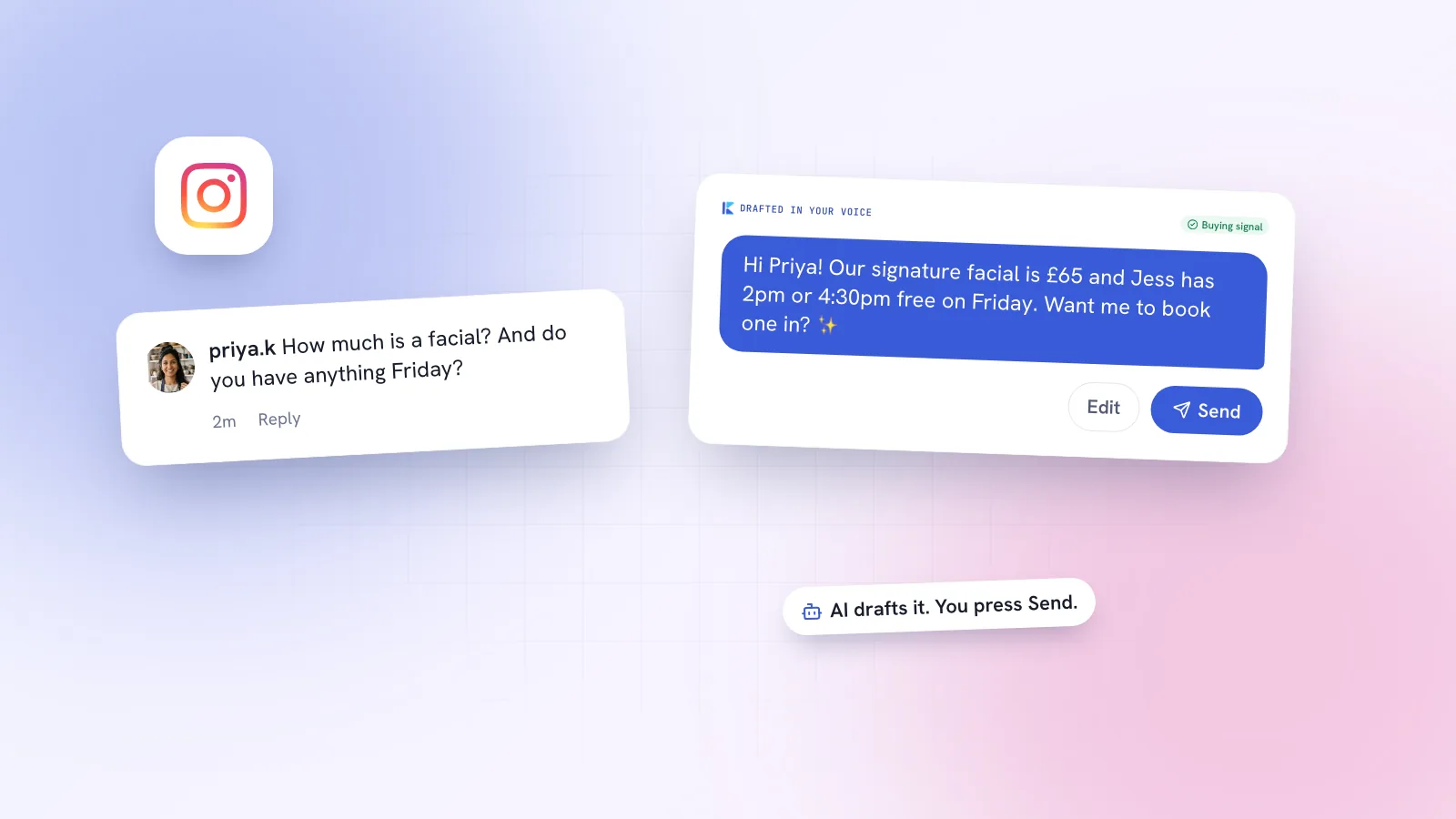
If you run a café, a salon or a small shop, your Instagram inbox probably looks the same every day: 'How much?', 'Are you open Sunday?', 'Do you ship to Porto?', plus a few comments asking the same thing under every post. It's natural to wonder whether AI can answer these for you. It can, but there are rules about how, and a few situations where you shouldn't let it. Here's what Meta's own documentation says, and how to set it up sensibly.
Can AI respond to Instagram comments and DMs?
Yes. Instagram allows businesses to automate replies, and Meta publishes an official Instagram Messaging API that approved apps use to read and answer DMs and to reply to comments. Anything that writes the reply, including AI, can sit behind that API. What matters is the route the reply takes, not whether a person or a model wrote the words.
There are three routes in practice:
| Route | What it does | AI-written? |
|---|---|---|
| Instagram's built-in tools | Saved replies, FAQ questions, instant replies and away messages | No, fixed messages you write |
| Meta's own AI | Meta has announced a Business Agent for customer messages and said it's extending it to Instagram | Yes, if it's available on your account |
| Third-party apps on the official API | Read DMs and comments, send replies, comment-to-DM | Often, either drafted for you or sent automatically |
What can Instagram's own tools do?
Before paying for anything, check what's free. On a professional (business or creator) account, Instagram and Meta Business Suite give you:
- Saved replies. Shortcuts for answers you type often, like your opening hours or price list. You insert one and press Send yourself, so nothing goes out automatically.
- FAQ questions. Up to four questions people can tap when they open a chat with you, each with an answer you've written. Meta's developer docs call these ice breakers and note they don't show on desktop.
- Instant replies and away messages. Set up under Automations in the Meta Business Suite inbox. An instant reply goes to someone the first time they message you; an away message goes out outside the hours you set.
These are useful, but they're fixed text. They can't read 'Do you have oat milk and can I bring my dog?' and answer both halves. That's the gap AI fills. Menu names in Meta's apps change often, so if you can't find one of these, look in your account's business or creator tools settings.
On Meta's own AI: news reports from June 2026 say Meta launched its Business Agent globally for customer messages and is extending it to Instagram. We couldn't confirm from Meta's own pages whether it's available to every Instagram account yet, so check Meta Business Suite for your account rather than assuming.
Is it allowed to automate Instagram DMs? Meta's rules
Automation is allowed when it goes through Meta's approved routes and stays inside these limits. All of them come from Meta's developer documentation.
| Rule | What it means for you |
|---|---|
| They message first | An app can only message someone after they've sent your professional account a message. No cold DMs. |
| 24-hour window | You can reply within 24 hours of the person's last message. If they message again, the clock restarts. |
| Up to 7 days from ads | If the chat started from a click-to-Instagram Direct ad, Meta says the window may last up to 7 days. |
| Human agent window | Replies typed by a real person can be tagged to use a separate 7-day window. Automated replies can't use it. |
| One private reply per comment | You can send one DM to someone who commented, within 7 days of the comment. Follow-ups only if they reply. |
| Instagram Live | Private replies to Live comments can only be sent while the broadcast is on. |
| Rate limits | Apps can send 750 private replies to post and Reel comments per hour per account, and far more DMs per second. |
| Professional account and approved app | The API works with business and creator accounts, and an app serving other people's accounts needs Meta's Advanced Access. |
Sources: Meta's Messaging API overview, private replies and rate limits. The rate limits are generous; a small business won't get near them. The 24-hour window and the one-reply-per-comment rule are the ones you'll actually feel.
Fully automatic or draft-and-approve: which is better?
AI replies come in two flavours. Fully automatic means the AI reads the message and sends its answer straight away. Draft-and-approve means the AI writes the reply and a person reads it, edits if needed, and presses Send.
| Fully automatic | Draft-and-approve | |
|---|---|---|
| Speed | Instant, day and night | As fast as someone checks the inbox |
| Mistakes | A wrong price or made-up policy goes straight to the customer | Caught before sending |
| Tone | Fine for simple questions, can feel off on anything personal | You adjust the wording to fit the person |
| Time-window rules | Always inside 24 hours | You need to reply before the window closes |
| Best for | Repetitive questions with one right answer | Most small businesses starting out |
Our view: start with draft-and-approve. You'll learn quickly which questions the AI answers well every time, and those are the ones worth automating later. Speed still matters, though; we explain why in why replying to DMs within the hour wins sales. A good draft waiting for you turns a five-minute reply into a ten-second check.
On honesty: if a customer asks whether they're talking to a person, tell them the truth. 'Our assistant drafts replies and one of the team checks them' is a perfectly good answer.
When shouldn't AI reply on its own?
Some messages need a person, every time:
- Complaints. An unhappy customer wants to feel heard. A quick, polished AI reply can make it worse.
- Refunds, cancellations and money. Anything that commits you to a payment or exception should come from you.
- Health, medical or legal questions. A physio, clinic or PT shouldn't let AI give advice about someone's injury or treatment.
- Allergies and safety. 'Is this nut-free?' needs a checked answer from the kitchen, not a guess.
- Anything sensitive or personal. Bereavement, harassment, or a message from someone who seems upset.
- Public criticism in comments. Reply calmly yourself, then offer to continue in DMs.
10 Instagram auto-reply message examples
Use these as starting points for saved replies, instant replies or AI drafts. Each one answers the question, then offers one easy next step. Swap in your own details.
| Situation | Example reply |
|---|---|
| Price question | Hi! Our brunch plates are €11–15 and specialty coffees from €2.80. Want me to send the full menu? |
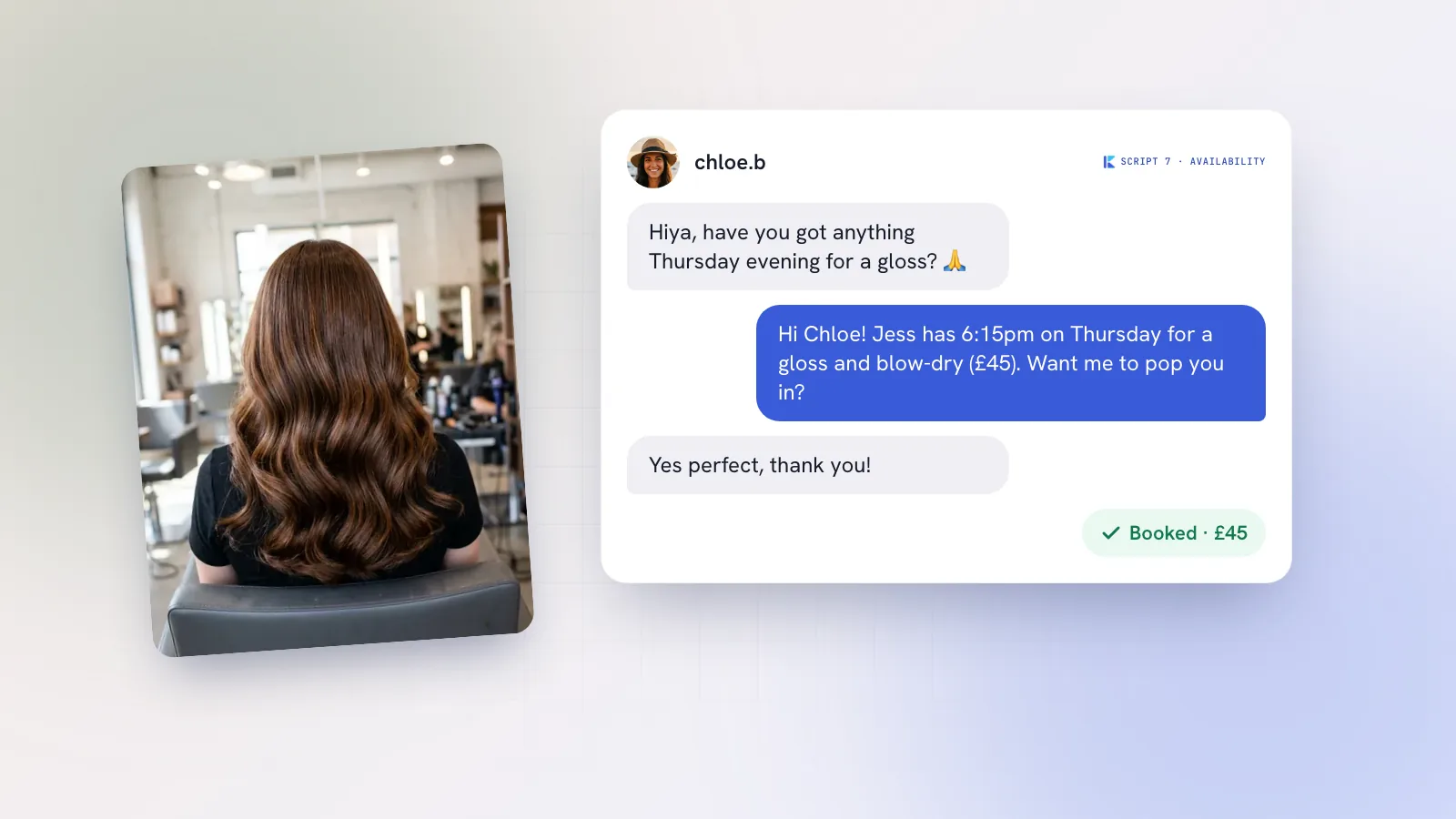
| Booking request | We'd love to have you. What day, time and how many of you? I'll check and confirm straight away. |
| After hours | Thanks for your message! We're closed now and back at 8am. We'll reply first thing; if it's about today's booking, call us on [number]. |
| Out of stock | That one's sold out right now, sorry! We restock on Thursdays. Want me to message you when it's back? |
| Opening hours | We're open Tuesday to Sunday, 8am to 4pm, and closed Mondays. See you soon! |
| Delivery or shipping | Yes, we ship across Portugal in 2–3 working days. Here's the link to order: [link]. |
| Collab request | Thanks for thinking of us! Please email [address] with your idea and a link to your recent work, and we'll get back to you within a week. |
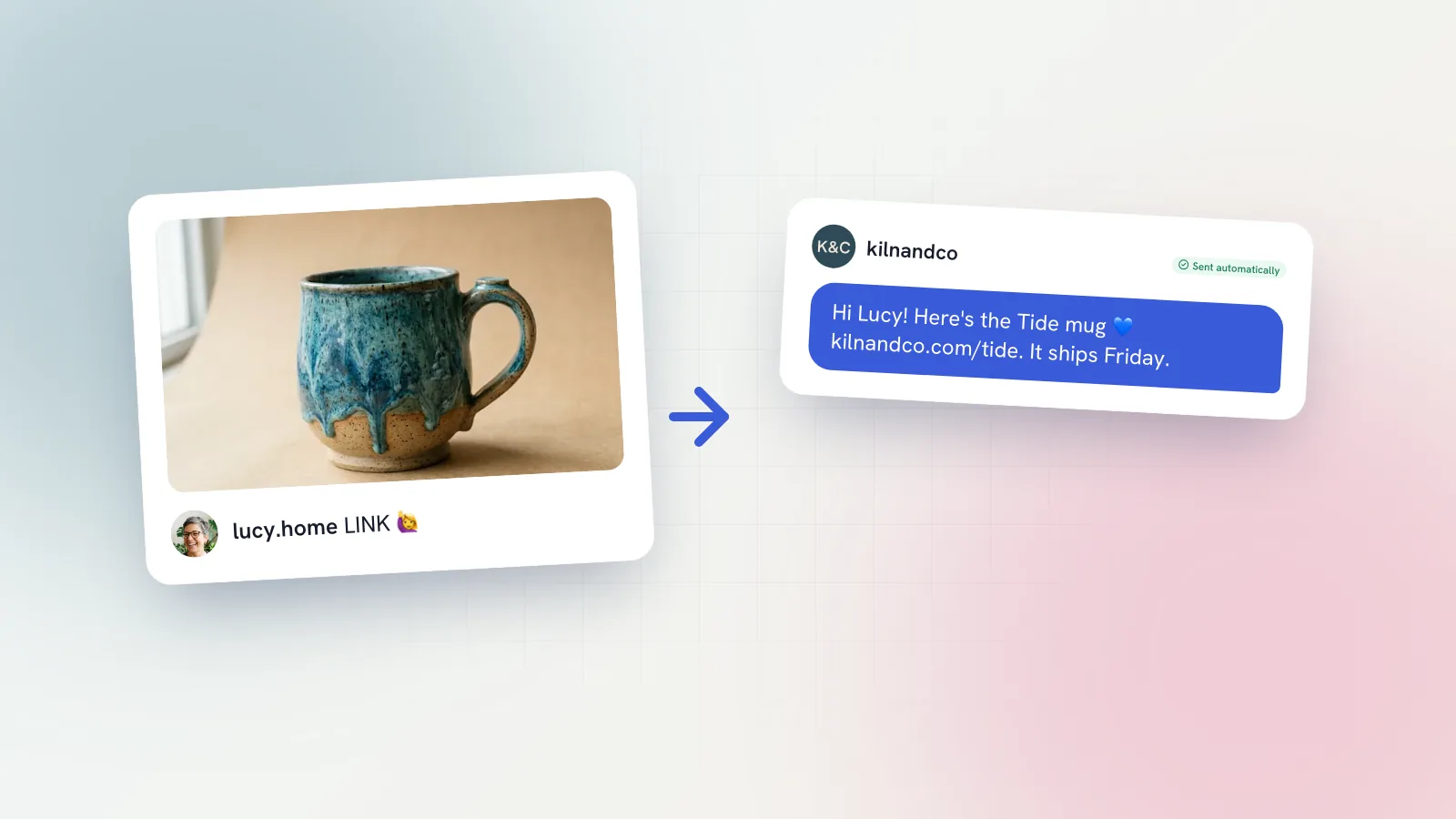
| Comment keyword (MENU) | Here's our autumn menu: [link]. Would you like me to save you a table this weekend? |
| Praise in comments | This made our day, thank you! See you again soon. |
| Complaint (holding reply) | I'm really sorry to hear that. I'd like to sort it out properly. Could you send me your order details? I'll look into it personally today. |
The last one is a holding reply only: send it quickly, then have a person take over. For longer conversations that turn into bookings, our Instagram DM sales scripts cover 20 replies for price questions, objections and follow-ups. If you want to use the keyword example, comment-to-DM explains how to do it without spamming.
How do you set up AI replies on Instagram, step by step?
- Switch to a professional account. Business or creator, in your account settings. It's free.
- Set up the free basics first. Add saved replies for your top five questions, up to four FAQ questions, and an away message for your closed hours.
- Write down your facts. Prices, hours, booking link, delivery areas, policies. AI can only be as accurate as what you give it.
- Describe your voice. A few lines on how you talk to customers, plus three or four real replies you're proud of.
- Choose a tool that connects through Meta's login. Never one that asks for your password. Check it supports both DMs and comments.
- Start with draft-and-approve. Read every draft for the first few weeks and fix anything wrong at the source.
- List the messages AI must hand to you. Complaints, refunds, health questions, allergies.
- Watch the 24-hour window. Check the inbox at set times so nothing expires before you reply.
- Review monthly. Which drafts did you send unchanged? Those are candidates for automation later.
How Kebo handles Instagram replies
Kebo's Inbox brings Instagram DMs and comments (and Facebook Messenger on Growth) into one place. It drafts every reply in your voice, using a persona you've approved, and steers towards a booking or sale. You read the draft and press Send. Comments are sorted by type, such as question, buying signal, praise or spam, so the 'how much?' comments get answered first. Comment-to-DM sends a message you've written when someone comments your keyword, and the Inbox shows how much of the 24-hour window is left on each chat.
Kebo never messages anyone first. Fully automatic replies, where Kebo answers DMs and comments on its own, are coming soon on the Pro plan; see pricing. TikTok and Threads don't let third-party apps read DMs, so the Inbox covers Instagram and Messenger. If you also want help commenting on other people's posts, the Engagement Center drafts those comments for you to post yourself.