
Meta has given Facebook’s creator assistant a bigger job. Until now it was a chatbot you asked questions about your numbers. Since Meta’s 2 November 2026 update, it also taps you on the shoulder when something is happening, helps plan posts, and drafts replies to your comments. Here’s what it does, who gets it, and what to keep an eye on, based on Meta’s own announcement.
What is Meta’s creator assistant?
Meta introduced the creator assistant on 4 June 2026 as a conversational AI tool inside the Facebook creator dashboard. It reads your Facebook presence (your audience, engagement trends and best-performing posts) and answers questions such as when to post or what people are saying in your comments, as TechCrunch reported at launch. Meta said then that it would add features that help you act, not just read insights. This update is that step.
What’s new in the November update
- Proactive alerts. The assistant now messages you first when a post is taking off, when you gain a burst of new followers, or when a trend fits your content. Meta says these notifications are on by default and you can turn them off at any time.
- Idea to storyboard. Give it an idea and it returns a storyboard and a shot list. Meta describes this as a starting point; you decide what happens next.
- Feedback on drafts. Upload a draft before you post and it tells you what’s working and what could be better.
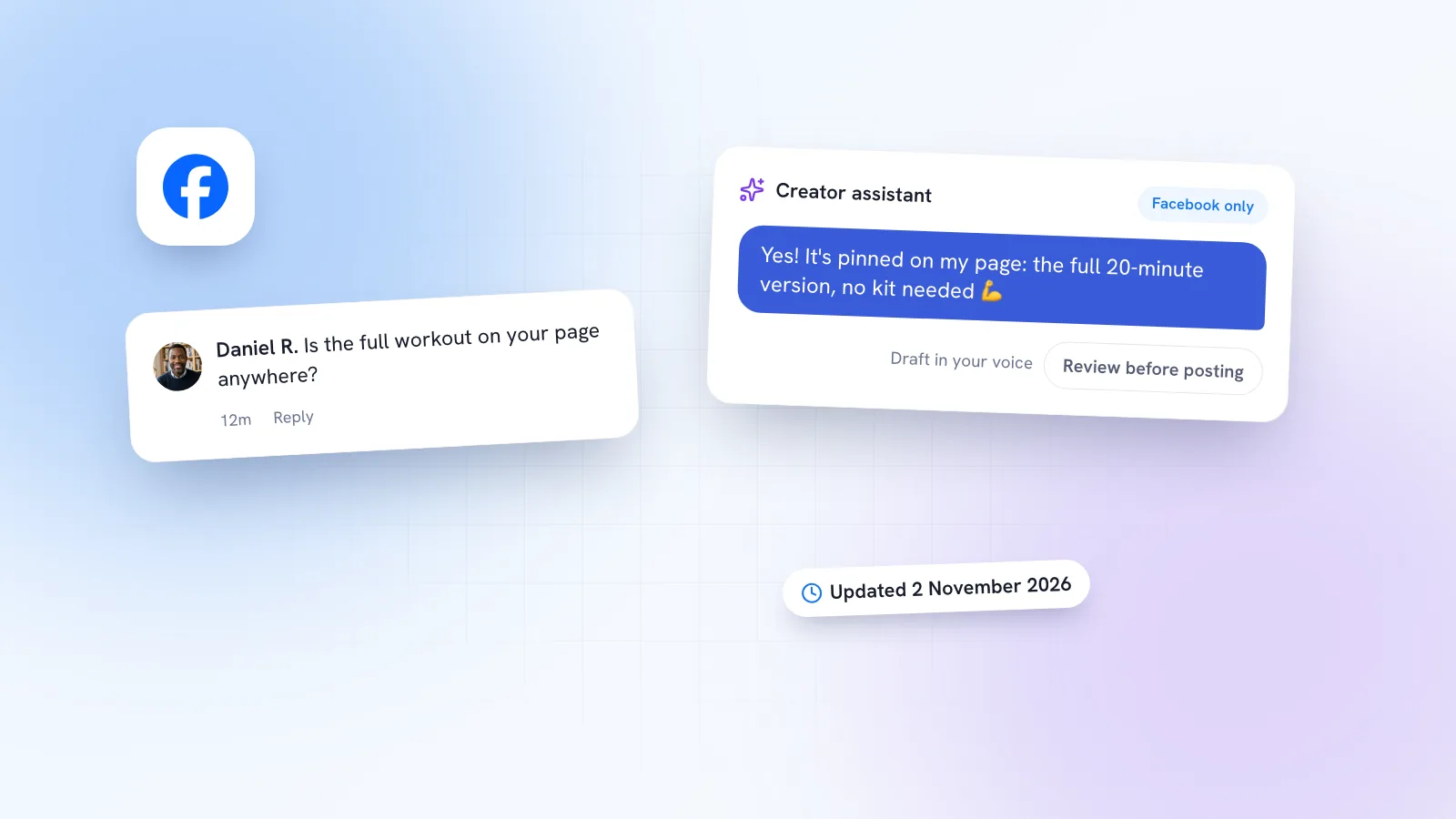
- Comment help. It surfaces the questions and conversations in your comments that are waiting on a reply, and drafts responses in your voice. You can review and edit each draft before anything is posted.
- Web access. It’s now in Creator Dashboard on the web, not just the Facebook mobile app, and it’s built into Facebook Creator Studio, Meta’s dedicated creator app.
Who gets it, and is it on Instagram?
Meta says the assistant first launched to creators in the US, Canada and India, that it has “started expanding to more countries”, and that more will follow over the coming months. It’s free; Meta hasn’t announced a paid tier. Meta doesn’t publish eligibility rules beyond “eligible creators”, so the simplest test is to look.
How to find the creator assistant
- Open your Creator Dashboard in the Facebook app, or on the web now that it’s there too.
- Check the dashboard homepage. Meta says that’s where you’ll see whether you have access.
- If you use the Facebook Creator Studio app, look for the assistant built into it.
- If you’d rather not get alerts, turn the notifications off in the assistant; Meta says you can do this any time.
The limits worth knowing
- It’s for Facebook creators. It reads your Facebook presence. It won’t help with Instagram DMs, Instagram comments or Messenger conversations, which is where many small businesses get their enquiries.
- It drafts; you post. That’s a sensible default. A wrong price or a promise you can’t keep, sent automatically, is worse than a slow reply.
- Availability is patchy. The rollout is country by country, and Meta hasn’t given a timeline for each feature or market.
- Trend alerts pull everyone the same way. If thousands of creators get nudged towards the same trend, the posts start to look alike. Use alerts as a prompt, then add the angle only you have.
Privacy: what to watch
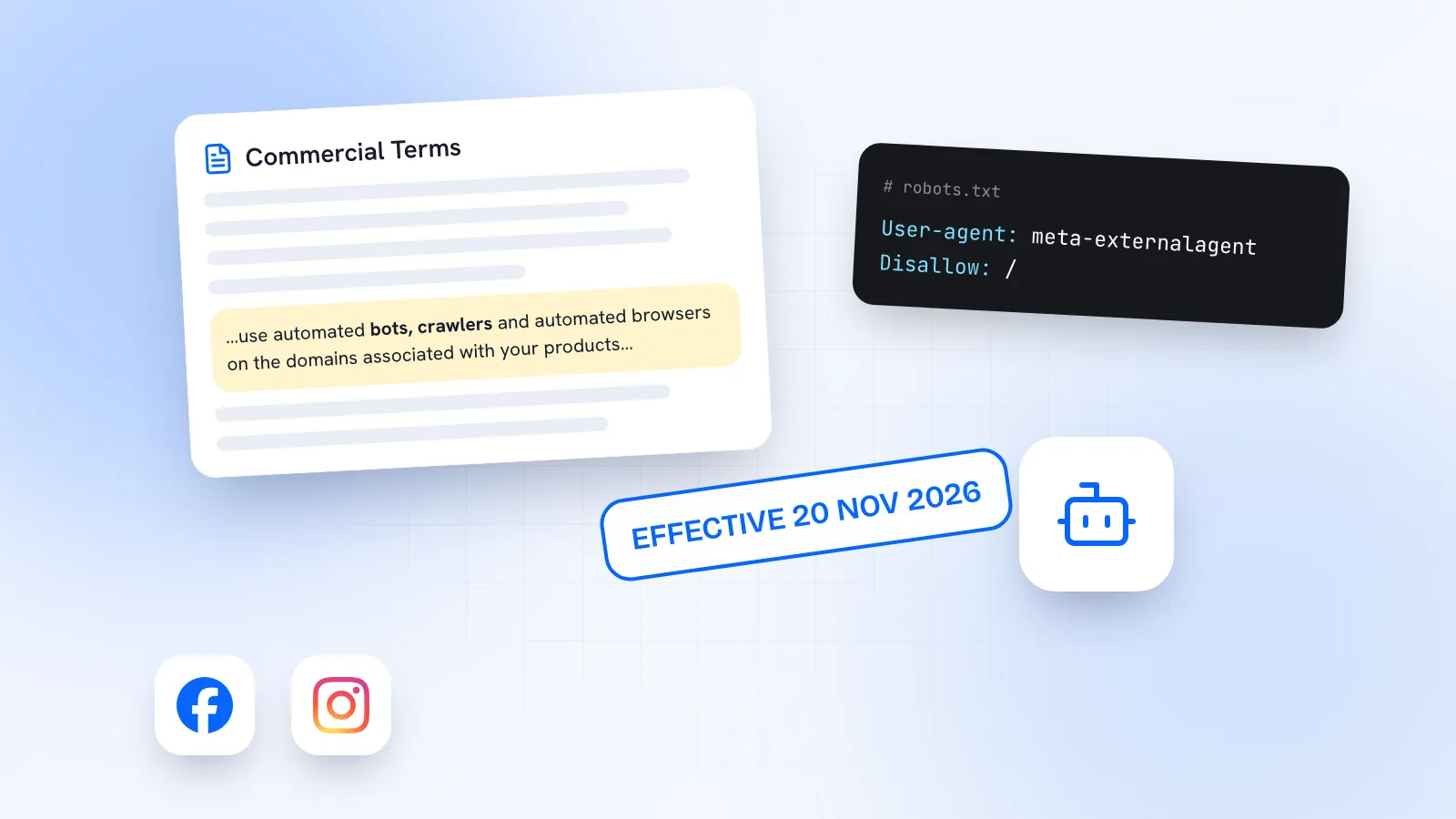
Meta’s update post doesn’t include a separate privacy statement. It does say the assistant “keeps an eye on your account” and grounds its answers in your own audience and performance. That’s what makes it useful, but it means your page data, comments and drafts are being read by Meta’s AI. Before you upload unreleased work for feedback, read Meta’s Privacy Policy and think about anything confidential, such as client names or a launch you haven’t announced. Meta’s business terms are also changing this month; we covered that in Meta’s new business terms and AI.
Meta’s assistant vs replying yourself vs a tool like Kebo
| Reply yourself | Meta’s creator assistant | Kebo Inbox | |
|---|---|---|---|
| Cost | Your time | Free | Free plan; paid plans from $39 a month |
| Platforms | Any | Facebook (creator tools) | Instagram DMs and comments, Facebook Messenger |
| Built for | Everyone | Facebook creators | Small businesses and creators who sell |
| Who sends the reply | You | You, after reviewing the draft | You, after reviewing the draft |
| Voice | Yours | Drafts “in your voice” | Drafts in your voice from a persona you approve |
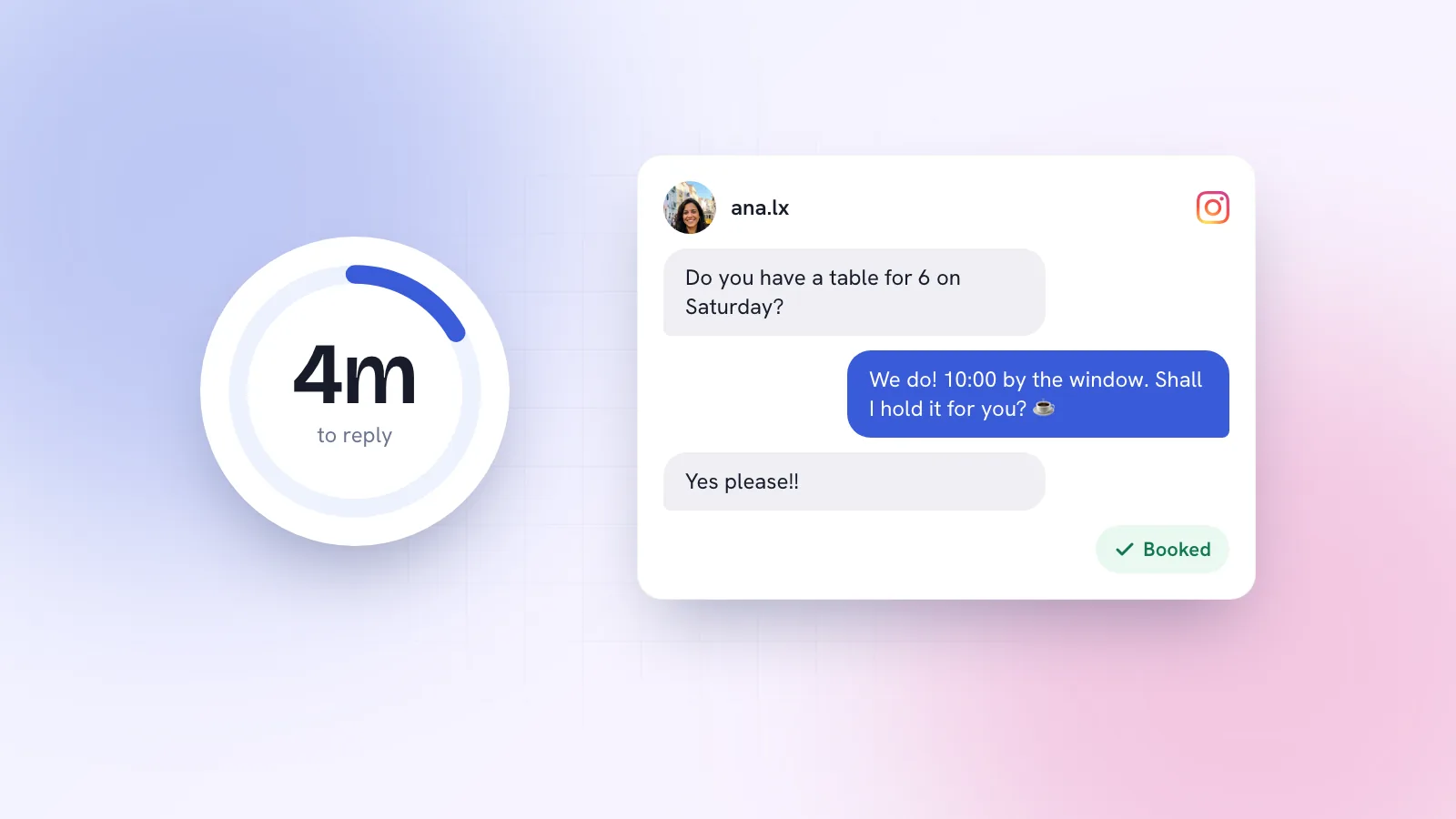
If you’re a creator who lives on Facebook, Meta’s assistant is free and sits where you already work, so try it. Answering comments yourself is still the gold standard when you have the time; nobody knows your audience better. The gap is everywhere else. For a business, the questions that turn into bookings and sales tend to arrive in Instagram comments and DMs and in Messenger, often all on the same day.
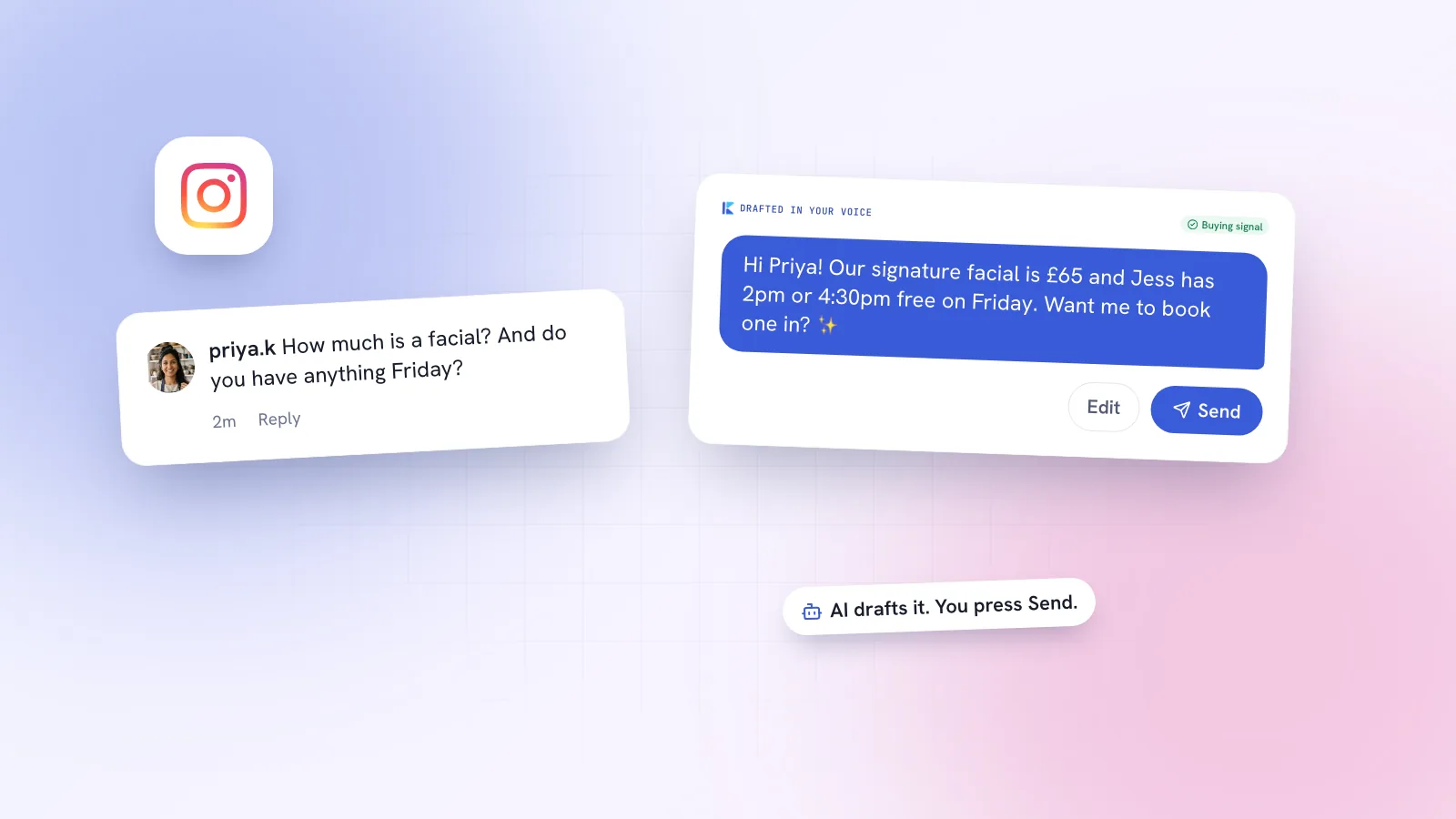
That’s the job Kebo’s Inbox does. It drafts a reply to each Instagram DM, Instagram comment and Messenger message in your voice, steering towards a booking or sale, and you read it and press Send. It never messages anyone first. Replies that Kebo sends on its own are coming soon on the Pro plan. For a step-by-step look at drafting replies with AI, without sounding like a bot, read how to use AI to reply to Instagram comments and DMs. If you’re a creator, see Kebo for creators.
What to do this week
- Check your Creator Dashboard homepage for the assistant.
- If you have it, try the comment drafts on one post and edit every draft before posting. Note how often you change it; that tells you how well it knows your voice.
- Decide whether you want trend alerts on. If they pull you off your plan, switch them off.
- If most of your enquiries come through Instagram or Messenger, remember this tool won’t see them. Keep a daily slot to clear those, ideally within the hour.