
You've seen the posts: 'Comment MENU and I'll send it to you.' Done well, comment-to-DM is one of the simplest ways to turn a public comment into a private conversation, and a private conversation into a booking. Done badly, it's a bait-and-switch that fills people's inboxes with sales pitches. Here's how to get it right for a small business.
What is comment-to-DM on Instagram?
Comment-to-DM is a simple trigger. You choose a keyword for a post, such as MENU, PRICES or BOOK. When someone comments that word, they receive a DM you've written in advance, usually with a link or the details they asked for. The person started the exchange by commenting, so the message is a reply to them, not a cold DM.
It's useful because comments and DMs do different jobs. A comment is public and quick. A DM is private and can carry a link, a price list or a booking question. Comment-to-DM connects the two without you having to watch every post.
When does comment-to-DM work best?
It works when the comment is a clear request and the DM delivers exactly that. Some examples that fit small businesses well:
| Business | Post | Keyword | What the DM sends |
|---|---|---|---|
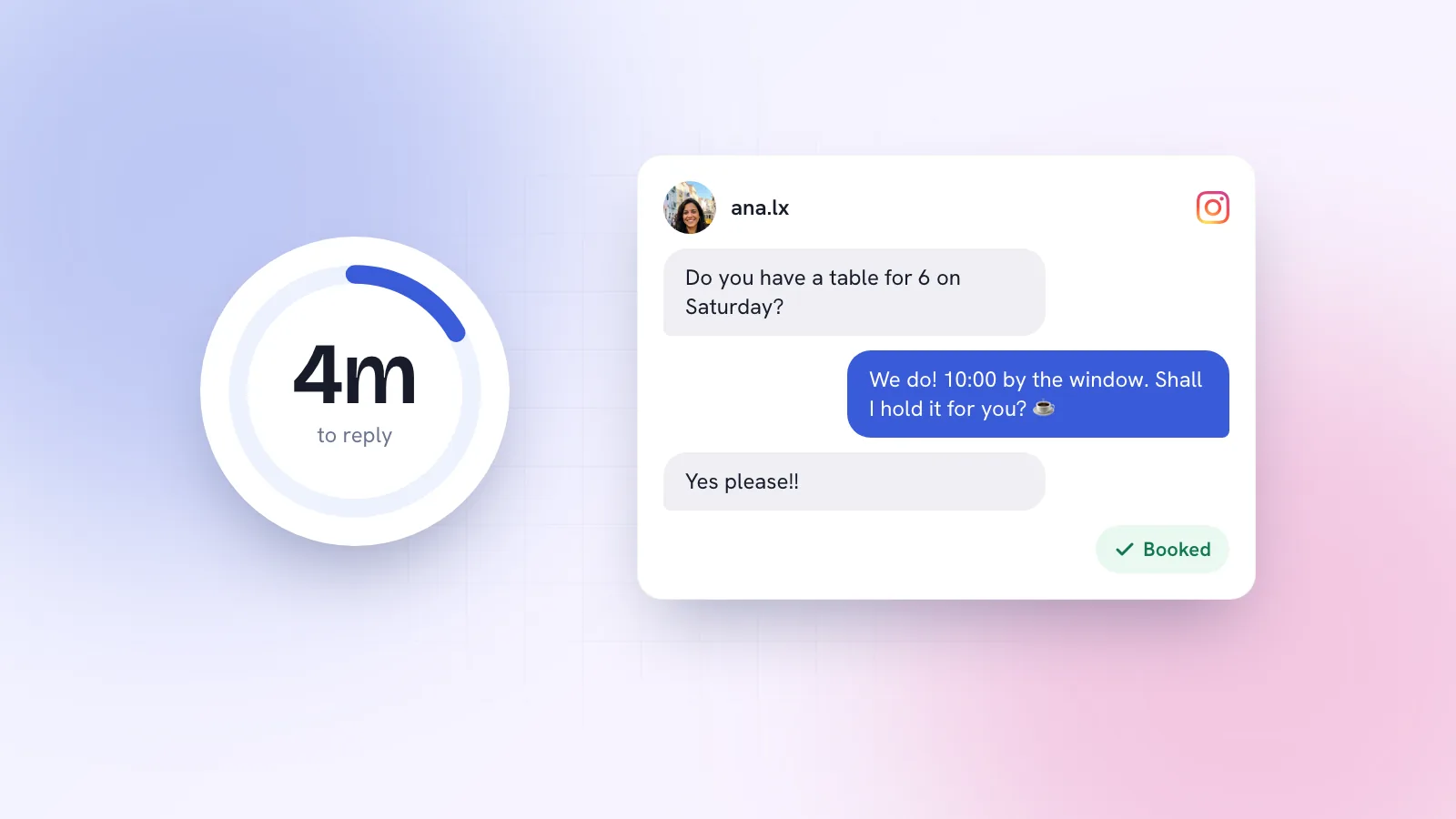
| Café (Fig & Ember) | Reel of the new autumn brunch menu | MENU | The full menu and a link to book a table |
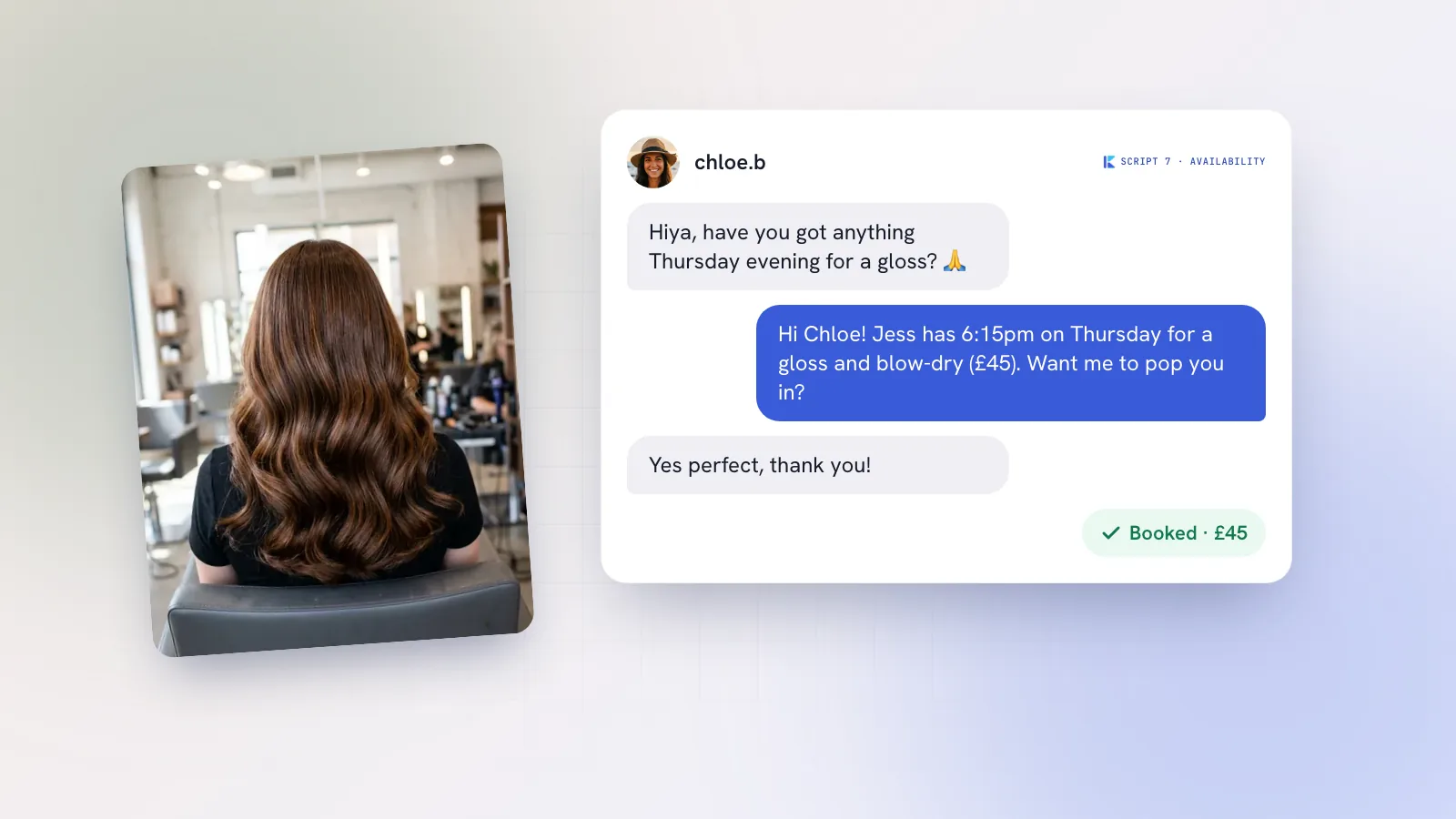
| Salon | Carousel of balayage before-and-afters | PRICES | Price ranges, what's included, two open slots this week |
| Personal trainer | Post about a 6-week beginner plan | PLAN | A short overview, the price and a booking link for a first session |
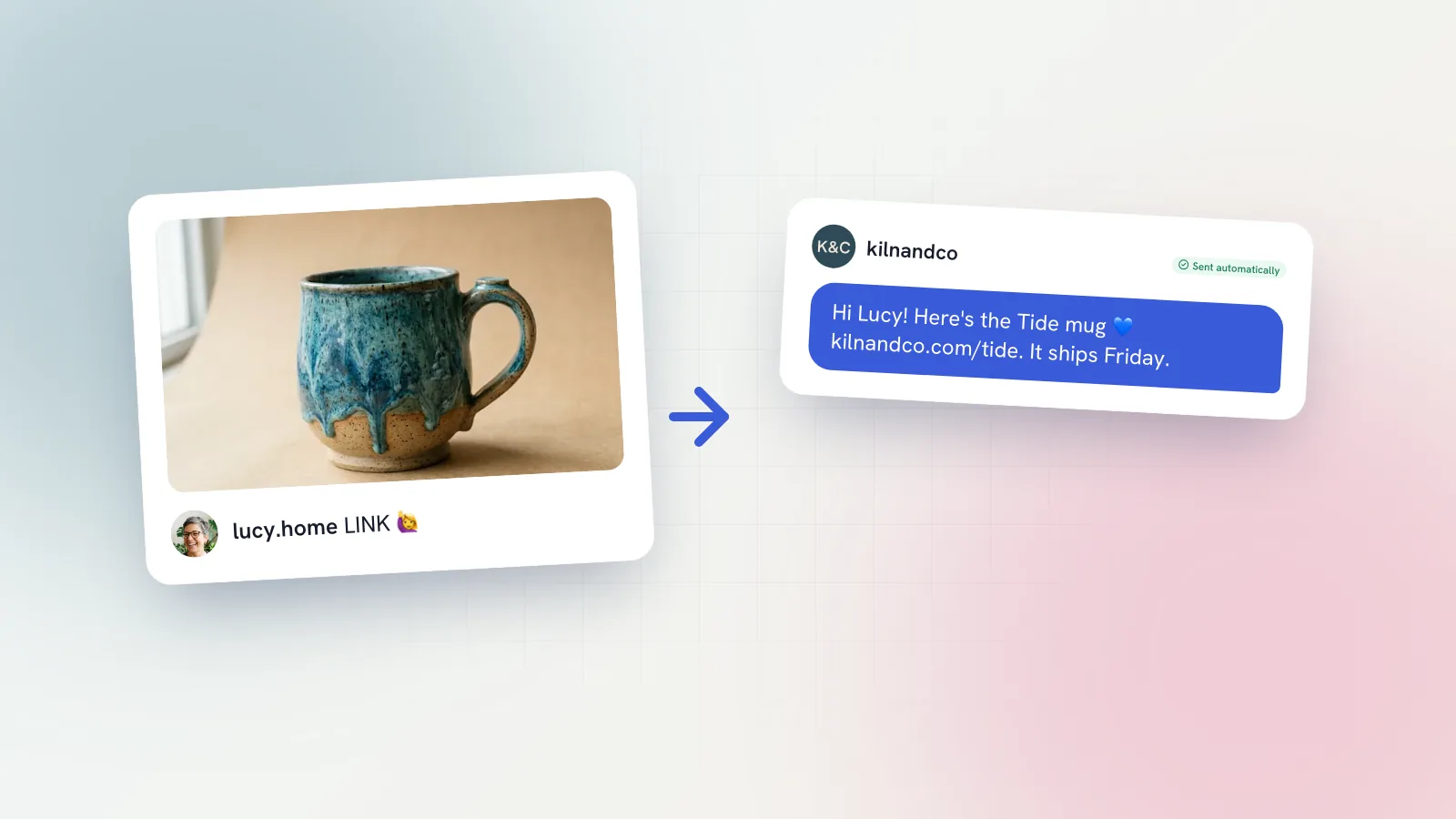
| Online shop | Reel showing a restocked product | LINK | The product link, sizes and delivery time |
| Coach | Carousel with a free worksheet | GUIDE | The worksheet link and an invite to book a call if useful |
The pattern: a post that makes people want something specific, a keyword that says what they'll get, and a DM that gives it to them straight away.
How do you use comment-to-DM without spamming people?
The line between helpful and spammy is mostly about whether people get what they asked for. A few rules we'd follow:
- Deliver the promise in the first line. If they commented MENU, the menu comes first. Not a story, not a sales pitch.
- Don't gate everything. If the price fits in a caption, put it in the caption. Using comment-to-DM to hide basic information just to collect comments annoys people.
- Use it on a few posts. One or two posts a week with a real offer. If every caption says 'comment X', your followers stop reading.
- Send one message, then wait. Don't follow the first DM with a sequence of automated pitches. If they reply, have a real conversation.
- Only message people who commented the keyword. Never DM people who liked the post or followed you. Comment-to-DM is a reply, not an excuse for cold outreach.
- Reply to the comment publicly too. A short 'Sent! Check your DMs' shows others it works and that a real person runs the account.
How do you plan a comment-to-DM post?
Start from the DM, not the post. Decide what you want to send and what you hope happens next, then build the post around it.
- Pick one thing people genuinely want. A new menu, a price list, a free guide, a restock link. If nobody has ever asked for it, a keyword won't change that.
- Make the post show enough to create the want. Show the dishes in the Reel, the results in the carousel, the product in use. The DM fills in the detail.
- Choose the keyword and say it early. First line of the caption, and on screen if it's a Reel.
- Write the DM and test it on yourself. Comment from a friend's account and check the link works inside Instagram.
- Check the comments for the first day. Reply publicly, catch anyone who misspelled the keyword, and answer follow-up questions in the DMs quickly.
Carousels and Reels both work for this. Carousels suit price lists and before-and-afters; Reels suit menus and products in motion. Our guide to carousels vs Reels in 2026 goes into which format fits which job.
What should the DM say?
Keep it short, deliver the thing, and offer one next step. Here's a comment-to-DM message for Fig & Ember's autumn menu post:
Olá! Here's our new autumn brunch menu: [link]. The pumpkin shakshuka is the one everyone's ordering. Want me to save you a table this weekend? Just reply with a day and how many of you.Fig & Ember, MENU keyword
And one for a salon's PRICES keyword:
Hi! Balayage starts from £145 and includes toner, cut and blow-dry (about 3 hours). I've got Wednesday at 2pm or Friday at 10am free this week. Want me to hold one for you?Salon, PRICES keyword
Both end with a question that's easy to answer. When the person replies, you're in a normal conversation, and Meta's 24-hour reply window starts from their message. From there, the replies in our Instagram DM sales scripts guide cover price questions, bookings and follow-ups.
What happens after the DM is sent?
This is where most comment-to-DM setups fall down. The automated message goes out, the person replies with a question, and then nobody answers for a day. Treat replies to your comment-to-DM like any other buying signal and answer quickly; we explain why in why replying to DMs within the hour wins sales.
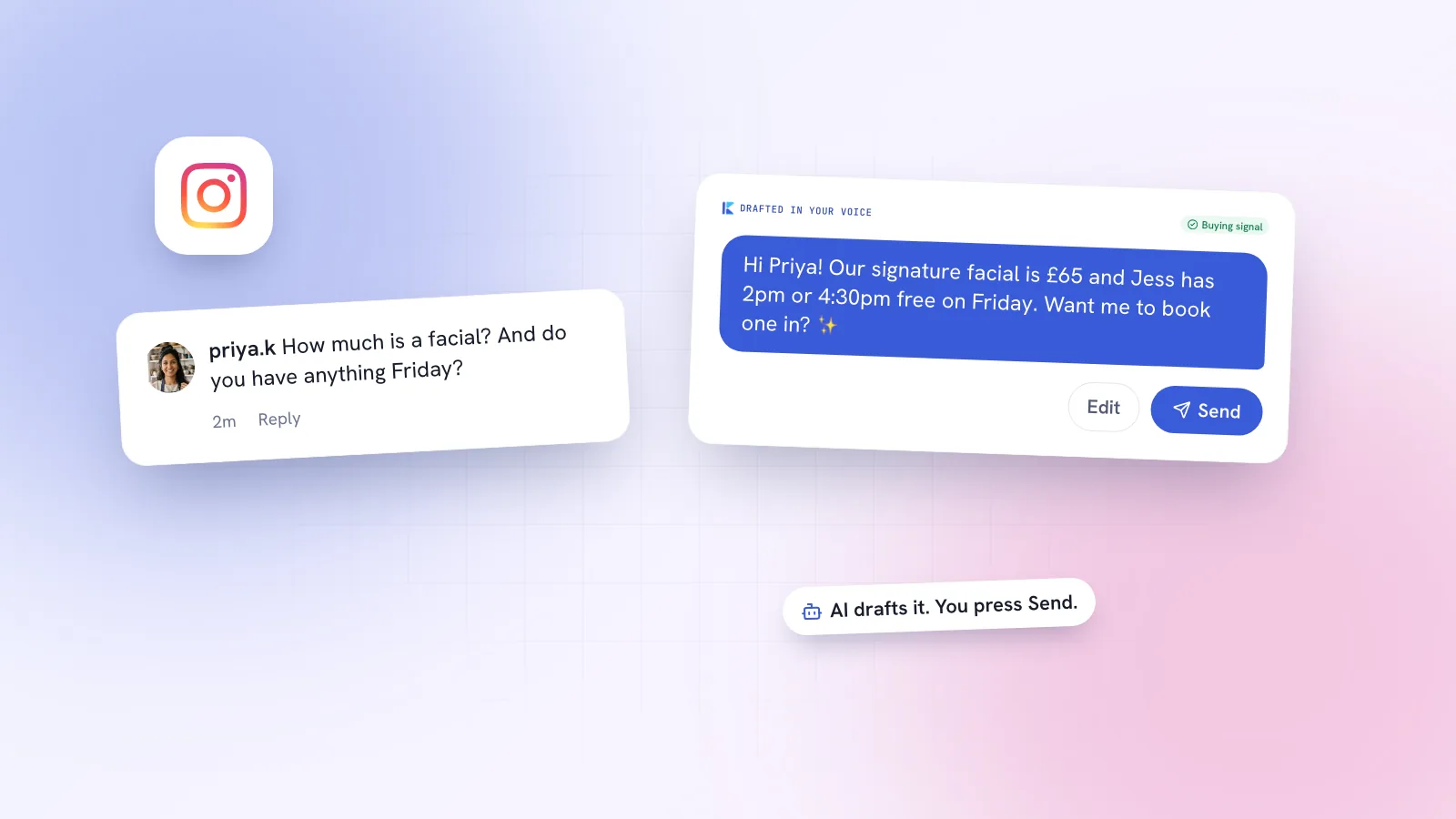
Also keep an eye on comments that don't use the keyword. 'How much is this?' or 'Do you deliver to Porto?' are buying signals too, and they deserve a real reply even if they missed the magic word.
How Kebo handles comment-to-DM
In Kebo's Inbox, you choose the keyword and write the DM; when someone comments that word, they get the message you wrote. Kebo also sorts the rest of your comments by type (question, buying signal, praise, spam) and drafts a reply to each in your voice for you to check and send, so the 'how much?' comments that missed the keyword don't get lost. It never messages anyone who hasn't contacted you first.
The posts that drive comments in the first place can come from Content Studio, which turns ideas into carousels designed in your brand kit. If you run a café or restaurant, our cafés and restaurants page shows how the menu-post-to-booking flow fits a normal week.