
Most local businesses don't struggle with ideas. They struggle with deciding, at 9pm on a Tuesday, what to post tomorrow. A content calendar takes that decision away. Below is a four-week template you can copy as it is, versions for a café, a salon and a local shop, and a simple way to make a whole week of posts in one sitting.
What should a small business content calendar include?
Skip the colour-coded spreadsheets with twelve columns. For a business run by one to five people, a calendar only needs four things per slot:
- Day. The day it goes out. Pick days you can actually keep, not the ones a blog said were best.
- Pillar. Which of your three or four recurring themes it belongs to. Pillars stop you posting the same kind of thing every time.
- Format. Reel, carousel, single image, Story or a text post on Threads. Deciding this up front tells you what to shoot.
- Idea. One sentence that is specific enough to act on. “Latte art” is a topic. “Our barista pours the same rosetta in slow motion, then you try it at home” is an idea.
Add a notes column if you like, for the caption hook or who needs to be in the shot. Anything more than that tends to get abandoned by week two.
How often should a local business post?
Three or four feed posts a week is a sensible default for most cafés, salons and shops, plus Stories on the days you're open. That's enough to stay visible without eating your evenings. If you can only manage two good posts a week, post two good posts. Consistency over months matters far more than volume in any single week.
The template below uses four slots a week: Monday, Wednesday, Friday and Saturday. Move them to suit your trading pattern. A salon that's closed on Mondays might post Tuesday, Thursday, Friday and Sunday instead.
How do you choose content pillars?
Pillars are the handful of things you can talk about forever. A good set for a local business covers four jobs: show how you work, show what you sell, show the people, and show the place you belong to. In practice that looks like this:
| Pillar | What it does | Café example | Salon example | Shop example |
|---|---|---|---|---|
| Craft | Shows skill and care, builds trust | Roasting, pouring, baking | Colour work, cutting technique | How products are chosen or made |
| Offer | Tells people what to buy and why | Menu, specials, new bakes | Services, prices, aftercare | New stock, gift ideas, bundles |
| People | Makes you human and memorable | Staff, regulars, suppliers | Stylists, client transformations | Owner, makers, customers |
| Place | Ties you to the neighbourhood | Street, events, the morning queue | Local partners, the salon itself | Window displays, the high street |
Rotate through them so each pillar gets roughly one slot a week. If one clearly does better after a month, give it two.
The 4-week content calendar template (café version)
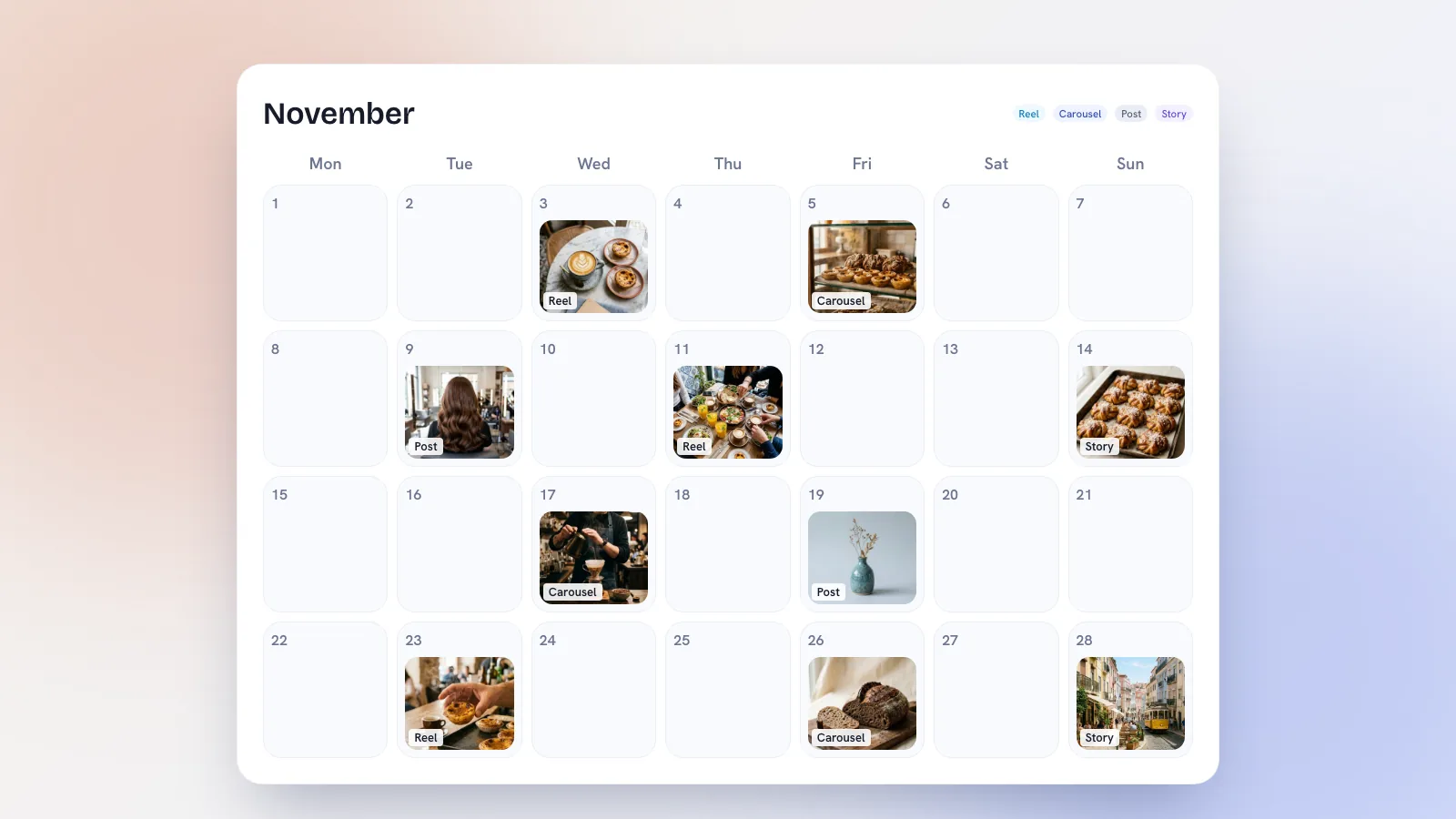
Here's the full month for Fig & Ember, a specialty coffee and brunch café in Príncipe Real, Lisbon. Use it as a worked example: keep the day, pillar and format columns and rewrite the ideas for your own business.
Week 1: introduce yourself again
| Day | Pillar | Format | Idea |
|---|---|---|---|
| Monday | Craft | Reel | Opening routine in 20 seconds: lights, grinder, first espresso of the day. |
| Wednesday | Offer | Carousel | The autumn brunch menu, one dish per slide, with the price on each. |
| Friday | People | Single image | Meet the head barista: one photo, three lines on how they take their coffee. |
| Saturday | Place | Stories | The Saturday queue, the street, a poll on which pastry runs out first. |
Week 2: teach something
| Day | Pillar | Format | Idea |
|---|---|---|---|
| Monday | Craft | Carousel | Five ways to make better coffee at home with what you already own. |
| Wednesday | Offer | Reel | The cardamom bun from dough to tray, ending on the counter at 8am. |
| Friday | Place | Carousel | Our five favourite spots in Príncipe Real that aren't cafés. |
| Saturday | People | Stories | Ask regulars their usual order and share the answers through the day. |
Week 3: show the people behind it
| Day | Pillar | Format | Idea |
|---|---|---|---|
| Monday | People | Reel | A day with our bean supplier: the roastery, the cupping, the delivery. |
| Wednesday | Craft | Single image | Close-up of a pour with a caption explaining what makes a good crema. |
| Friday | Offer | Reel | Staff pick their one dish off the menu, quick cuts, no talking needed. |
| Saturday | Place | Threads post | Ask locals what they wish the neighbourhood had. Reply to every answer. |
Week 4: give people a reason to come in
| Day | Pillar | Format | Idea |
|---|---|---|---|
| Monday | Offer | Carousel | Next month's special, the story behind it and the date it starts. |
| Wednesday | People | Single image | A regular's review in their own words, with their permission. |
| Friday | Craft | Reel | Answer the most common question at the till this month. |
| Saturday | Place | Stories | Open slot: whatever is happening today. Weather, a busy morning, a new mural. |
A content calendar for a salon
Salons have an advantage cafés don't: the before-and-after. The trap is posting nothing else. This version keeps transformations to one slot a week and uses the others to build trust and fill quiet days. It uses three posting days, which suits most salons better than four.
| Day | Pillar | Format | Idea |
|---|---|---|---|
| Week 1, Tuesday | Craft | Reel | A full balayage in 30 seconds, ending on the reveal. |
| Week 1, Thursday | Offer | Carousel | What a colour consultation includes, how long it takes and what it costs. |
| Week 1, Saturday | People | Single image | Meet the stylist, with what they're best at and how to book them. |
| Week 2, Tuesday | Craft | Carousel | Why your blonde goes brassy and three things that help at home. |
| Week 2, Thursday | Place | Stories | Behind the scenes on a busy Thursday, plus open slots for Friday. |
| Week 2, Saturday | People | Reel | A client transformation with their story in their own words. |
| Week 3, Tuesday | Offer | Single image | Quiet-day offer for Tuesday and Wednesday appointments. |
| Week 3, Thursday | Craft | Reel | Answer the question clients ask most in the chair this month. |
| Week 3, Saturday | Place | Carousel | Local businesses you love, tagged, with a line on each. |
| Week 4, Tuesday | People | Carousel | Three clients, three different cuts, one stylist. |
| Week 4, Thursday | Offer | Reel | Aftercare routine for the product you sell most, filmed at the basin. |
| Week 4, Saturday | Craft | Stories | Open slot: today's best result, shared with the client's permission. |
If you're a clinic or spa, swap transformations for treatment walk-throughs and keep the aftercare and FAQ slots. There's more on how this works day to day on our page for salons and clinics.
A content calendar for a local shop
For a shop, the job is to make people want to walk in, or message you to put something aside. The example below is for an independent gift and homeware shop, but it works for a bookshop, a florist or a deli with small changes.
| Day | Pillar | Format | Idea |
|---|---|---|---|
| Week 1, Monday | Offer | Carousel | What just arrived: six new pieces, one per slide, with prices. |
| Week 1, Thursday | People | Reel | Meet the maker behind your best-selling candle. |
| Week 1, Saturday | Place | Stories | The window display going up, start to finish. |
| Week 2, Monday | Craft | Carousel | How we choose what to stock, and what we say no to. |
| Week 2, Thursday | Offer | Single image | Gift idea under a set price, with a line on who it's for. |
| Week 2, Saturday | People | Stories | Customers' picks of the week, shared with permission. |
| Week 3, Monday | Place | Reel | A walk down your street to the door, for people who've never been. |
| Week 3, Thursday | Craft | Reel | Wrapping a gift properly in 15 seconds. |
| Week 3, Saturday | Offer | Carousel | Five things for a housewarming, at three price points. |
| Week 4, Monday | People | Single image | The owner, why the shop exists and what's changed this year. |
| Week 4, Thursday | Offer | Reel | Last few left: a low-stock item, filmed on the shelf. |
| Week 4, Saturday | Place | Stories | Open slot: whatever is happening on the high street today. |
If you're stuck on a slot, our list of 30 post ideas for local businesses has plenty that drop straight into these pillars.
How do you batch-create a month of posts?
The calendar only works if the posts exist before the day. The easiest way is to batch: plan once a month, shoot and write once a week.
Once a month (about an hour)
- Look back at last month. Which posts got saves, shares, messages or a mention at the till? Note the pillar and format of each.
- Copy the template into a fresh sheet or calendar and rewrite the ideas for the coming month. Add anything you already know: a new menu, a holiday, a local market.
- Mark one open slot a week and leave it alone.
Once a week (about two hours)
- Shoot everything in one go. Pick a quiet hour when the light is good. Film the Reels, take the photos for carousels and single images, and grab extra clips for Stories. Shoot each Reel two or three times so you have options.
- Write the captions together. Start each with a hook that says what the post is about in plain words, then two to four lines, then one clear next step: book, visit, reply, save.
- Adapt per platform. An Instagram caption, a Facebook caption and a Threads post are not the same text. Threads suits a question or an opinion; Facebook suits a little more detail for locals.
- Schedule it. Put every post into a scheduler so it goes out on its own. Then you only need to open the app to reply.
How do you know if the calendar is working?
Likes are a weak signal for a local business. Look instead at what moves people to act: saves and shares (people want to come back to it), profile visits and taps on directions, DMs asking about prices or availability, and people mentioning a post in person. After four weeks, rank your pillars and formats by those, not by likes.
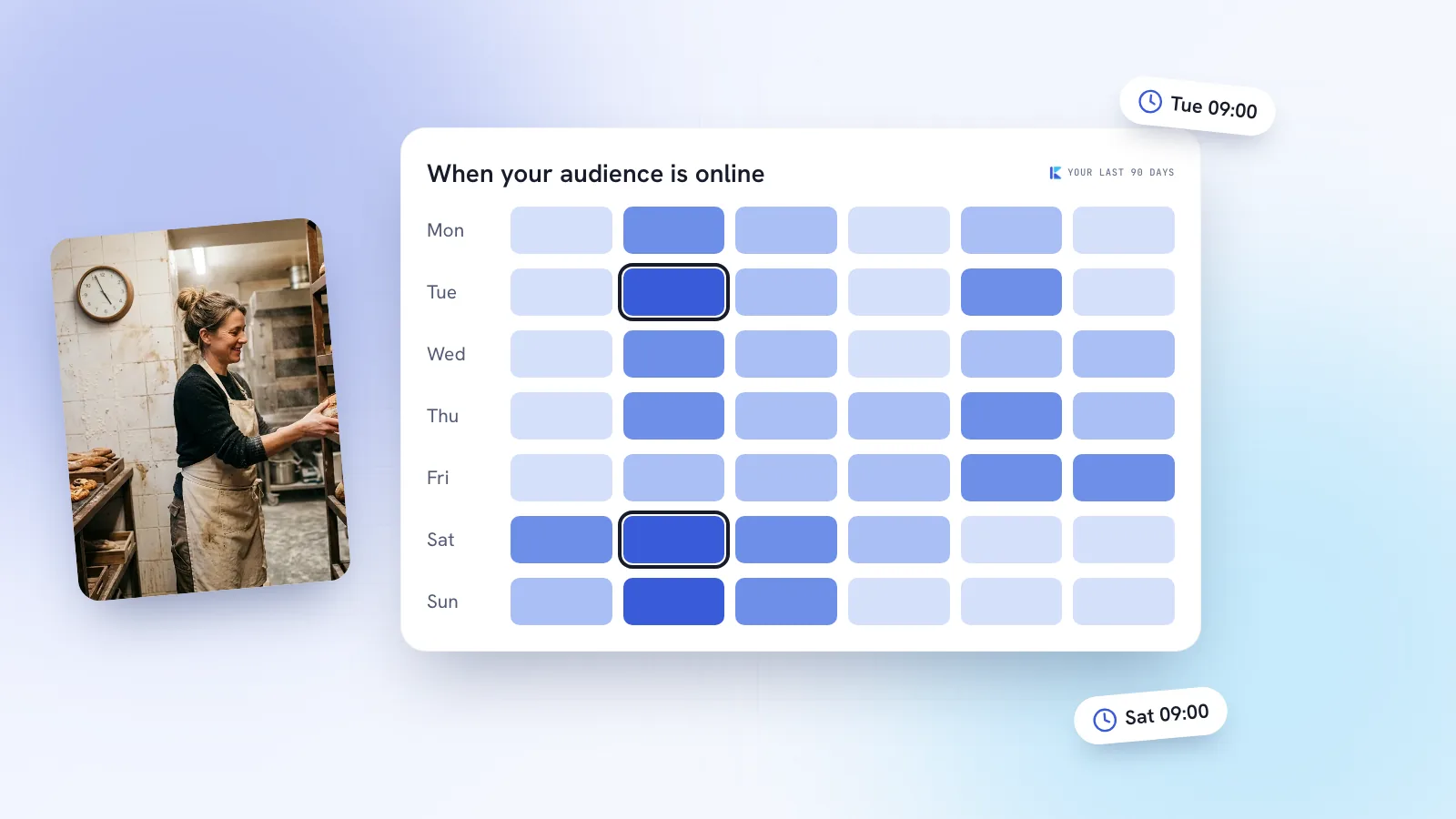
You'll often find a pattern. A café might see that carousels about the neighbourhood get saved far more than menu photos. A salon might find that Tuesday offers fill the book while Saturday posts don't. Build the next month around what you learn, and read our take on timing in your own numbers before you move posting days around. For the bigger picture, the small business social media playbook covers how the calendar fits with engagement and DMs.
Where Kebo fits
Everything above works with a spreadsheet and your phone. Kebo is built to take the slow parts off your plate. Brand DNA reads your website and socials, suggests your content pillars and writes a weekly plan. Content Studio turns each slot into hooks, captions per platform, Reel scripts and carousels designed in your own colours and fonts. Publisher puts it all on a month, week or list calendar and posts to Instagram, Facebook, Threads and TikTok at the times you set, with best-time suggestions from your own analytics.