
If you ship an iPhone or iPad app, there’s a deadline in your diary whether you know it or not. On 2 November 2026 Apple announced two new questions for the App Store Connect age rating questionnaire. Most apps will answer “no” to both and move on. A few will see their rating jump to 18+. Here’s what Apple actually said, a checklist for this week, and what to update in your marketing if your rating changes.
What Apple announced
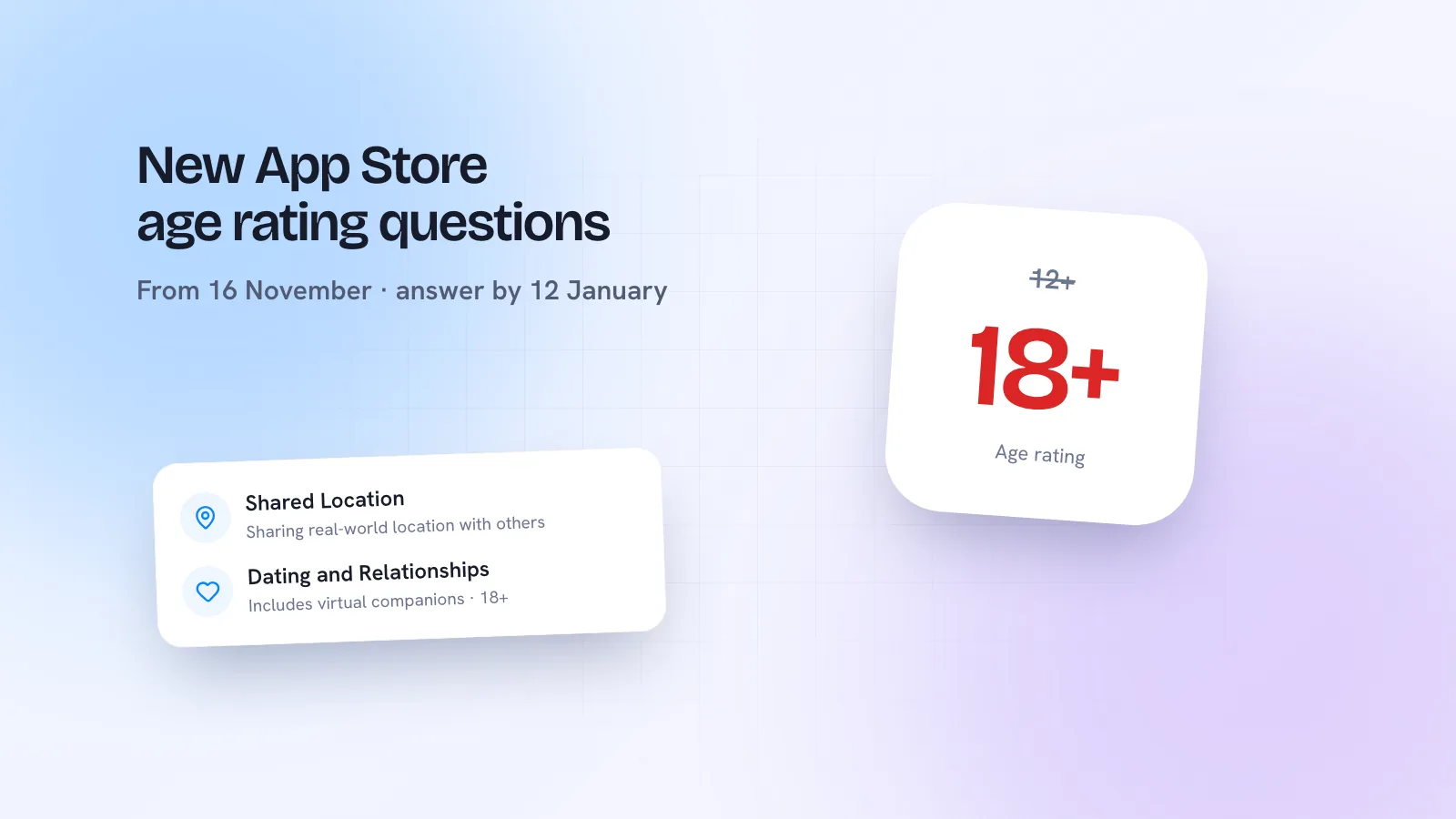
In its developer news post, Apple says that starting 16 November 2026, App Store Connect will include new content descriptors “to help ensure your app’s age ratings accurately reflect its features and are in accordance with local regulations”. You’ll need to declare whether your app includes:
- Shared Location: sharing of real-world location with another person or group.
- Dating and Relationships: features that enable dating or relationship connections between real people, and/or a virtual companion that engages a user in sexual or romantic content.
The second point is the one to read twice. It isn’t only dating apps. An AI companion or chat character that engages users in romantic or sexual content counts too.
Key dates and what each answer does
| What Apple says | |
|---|---|
| 16 November 2026 | The new questions appear. You must answer them when you submit an app update or change your age rating questionnaire. |
| 12 January 2027 | All apps must have these declarations completed. |
| Dating and Relationships | Minimum age rating of 18+. |
| Shared Location | “May not have an impact” on the minimum age rating in some regions. |
| Brazil | Shared Location requires an A16 rating; Dating and Relationships requires A18. |
Apple’s post doesn’t say what happens to an app that hasn’t answered by 12 January. Don’t wait to find out: if your next update is planned for after the deadline, answer the questions now.
The Brazil exception
In Brazil, local rules set A16 for Shared Location and A18 for Dating and Relationships. If you think your app qualifies for a lower rating there (Apple’s example is location sharing designed specifically for parents and children), you can request an official rating from Brazil’s Ministry of Justice and Public Security (MJSP). Once it’s verified, the official rating shows on the App Store in Brazil. Apple’s Brazil age rating reference has the details.
Your checklist for this week
- List what your app actually does. Can users share where they are with another person or group, including live location, check-ins or “find my friends” features? Can users meet or connect romantically? Does any AI character talk romance or sex?
- Check who can edit it. Apple’s age rating help page says the Account Holder, Admin, App Manager or Marketing roles can set ratings. Make sure someone with access owns this.
- From 16 November, answer the questions. In App Store Connect: Apps, your app, then App Information under General, then the Age Ratings section.
- Check your new rating per region before you save, especially if you sell in Brazil.
- Decide on Brazil. If you have a parent-and-child location feature, consider asking the MJSP for an official rating.
- Note the date in your release plan. If no update is due before 12 January, answer the questionnaire anyway.
How a rating change affects your listing and marketing
Apple says your age rating is displayed on the App Store for each country or region, and that the rating supports parental controls. So a jump to 18+ is visible to every shopper, and parents who restrict apps by age will see it too. If your rating goes up, check the places where you describe your audience:
- Screenshots and app description. Remove lines like “for all ages” or “great for families” if they no longer fit the rating.
- Paid ads. If your app is now 18+, make sure your ad targeting on Meta, TikTok or Apple Ads doesn’t reach younger audiences.
- Social profiles and posts. Update bios, pinned posts and any creator brief that says the app is for teens or students.
- Your website and press kit. Keep the age guidance consistent with the App Store.
- Support replies. Expect “why can’t my child download this?” and write one clear answer your team can reuse.
If your rating doesn’t change, you don’t need to touch your marketing. Just answer the questions accurately.
Two other App Store changes from the last fortnight
- Taiwan commission drops to 26%. Following discussions with the Taiwan Fair Trade Commission, Apple’s commission on standard In-App Purchase and paid app transactions on the Taiwan storefront (iOS and iPadOS) is 26% from 31 October 2026, down from 30%. You don’t need to sign the updated terms to get it (Apple).
- Businesses and schools can buy your subscription in bulk. Since 22 October 2026, organisations using Apple Business or Apple School Manager can buy seats for auto-renewable subscriptions in a single In-App Purchase. It’s on by default in App Store Connect unless you’ve changed the setting, and you can turn it off at any time. Group purchases can be tested in Sandbox from November, with Apple saying they’ll reach the App Store this winter (Apple).
If your app is sold to teams or classrooms, the bulk option is worth a line on your pricing page and a post announcing it. If it isn’t, check the setting is what you want.
Marketing your app on social
Founders often treat social as an afterthought to the App Store listing. But a changed rating, a new price in a region or a team plan is exactly the kind of small, concrete news that makes a good post. Short carousels that show one feature, one change or one customer story tend to beat “we’re live!” announcements. Kebo’s Content Studio turns a brief like that into a designed carousel in your brand, and if you build in public as a founder, see how Kebo helps creators post consistently without it eating your week.