
Threads has quietly become harder for small businesses to ignore. Over 2026 Meta added ads, launched Communities and gave accounts better tools for keeping up with replies. Threads reportedly passed 500 million monthly users in mid-2026, though Meta's figures haven't been independently verified. Whatever the exact number, a lot of your customers are probably already there. Here's what changed, what it means for a café, salon or coach, and what to actually post.
What changed on Threads in 2026?
| Change | What it is | What it means for you |
|---|---|---|
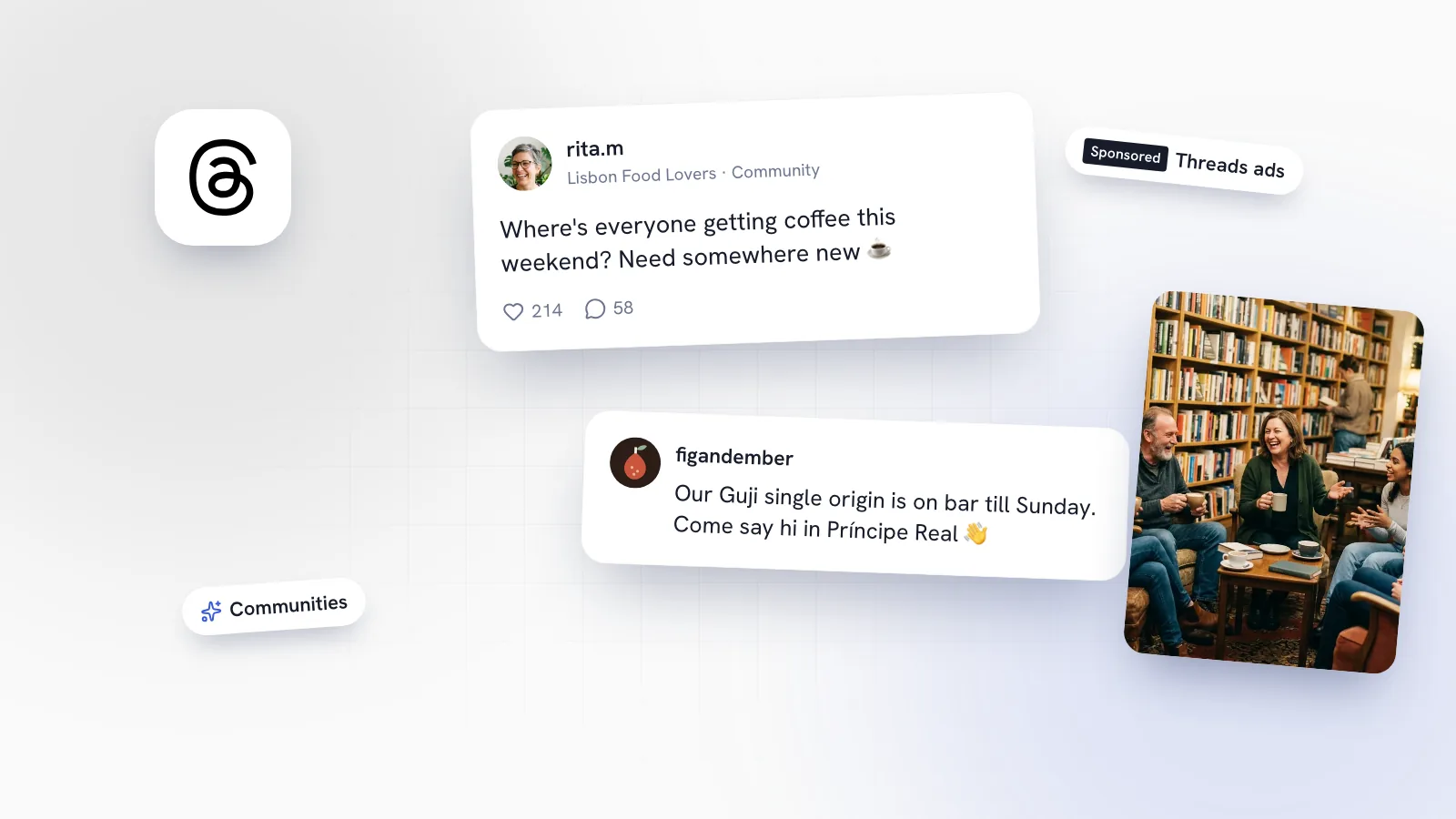
| Ads | Paid posts marked "Sponsored", set up in Meta's ad tools | You can promote posts on Threads from the same place you run Instagram and Facebook ads |
| Communities | Topic groups with a hub, Community Champions and local communities | A way to reach people interested in your topic or your area, not just your followers |
| Unreplied filter | A filter that shows comments you haven't replied to yet | Easier to make sure nobody who talks to you gets ignored |
Is Threads worth it for a small business?
For many, yes, as long as you treat it as a conversation channel rather than a second Instagram feed. Threads tends to suit businesses that have opinions and know-how to share in writing: coffee people with views on milk alternatives, physios who can explain a common injury in five sentences, coaches with a strong take on their industry, bakers who'll happily explain why their croissants take three days.
It suits you less if your only content is product photos with a price. Threads isn't built around browsing pictures, and posts that read like adverts tend to get scrolled past.
If you already post on Instagram, Threads costs you little to try. It's linked to your Instagram account, and much of what you know about your audience carries over. Our small business social media playbook covers how to decide where to spend your time across platforms.
How small businesses can use Threads Communities
Communities are the most useful change for small businesses. Instead of shouting into your own followers' feeds, you can take part in conversations organised around a topic, and local communities organised around a place. A café in Príncipe Real has a natural reason to be in a Lisbon community; a running coach has a reason to be in a running one.
Treat a community like a room you've just walked into:
- Listen first. Spend a week reading what people ask and what gets good replies before you post.
- Answer questions. "Where can I work with a laptop near Príncipe Real?" is an open door for a café, as long as the answer is honest and helpful.
- Don't advertise. A post that's just your offer will get ignored at best. Share know-how and let people find you.
- Notice the Community Champions. These are members recognised for their contributions. Being helpful in their communities is how you earn the same trust.
Should you run Threads ads?
Threads ads carry a "Sponsored" label and are managed in Meta's ad tools alongside Instagram and Facebook. That makes them easy to try if you already advertise with Meta. But for most small businesses, the better first step is organic. Spend a couple of months posting and replying to learn which topics get conversation. Then, if you do try ads, promote a post that has already proved it works, rather than writing an advert from scratch.
Keep the test small and clear: one post, a modest budget, a single goal such as profile visits or bookings, and a fixed end date. If you can't tell whether it worked, it didn't.
What should a business post on Threads?
Threads rewards posts that start conversations. These formats work well for small businesses:
- A clear opinion. "Oat milk ruins a good natural-process coffee. Fight me." Mild controversy about your craft invites replies.
- A question to your followers. "What's the one brunch dish you'd travel across town for?" Then reply to every answer.
- Behind-the-scenes in words. "Our sourdough takes 36 hours. Here's what happens in each one." A short thread with the steps.
- A quick tip. A physio's two-line explanation of why your knee hurts on stairs, or a salon's advice on making a colour last.
- A small story. A regular who's been coming every Saturday for three years, a supplier you're proud of, a mistake you learned from.
Write the way you'd talk at the counter. Generic, AI-sounding posts are easy to spot and easy to ignore, on Threads as much as anywhere. Search matters too: people increasingly look for businesses inside social apps and through AI assistants, so mention what you do and where you are in plain words. Our post on showing up in social search and AI answers goes into more detail.
Reply to everything, and use the Unreplied filter
On Threads, replies are the content. A post that gets ten replies and ten answers from you is doing its job. The Unreplied filter shows you which comments you haven't answered yet, so check it once a day and clear it. If someone's question needs a private answer, ask them to message you, because third-party tools can't read Threads DMs.
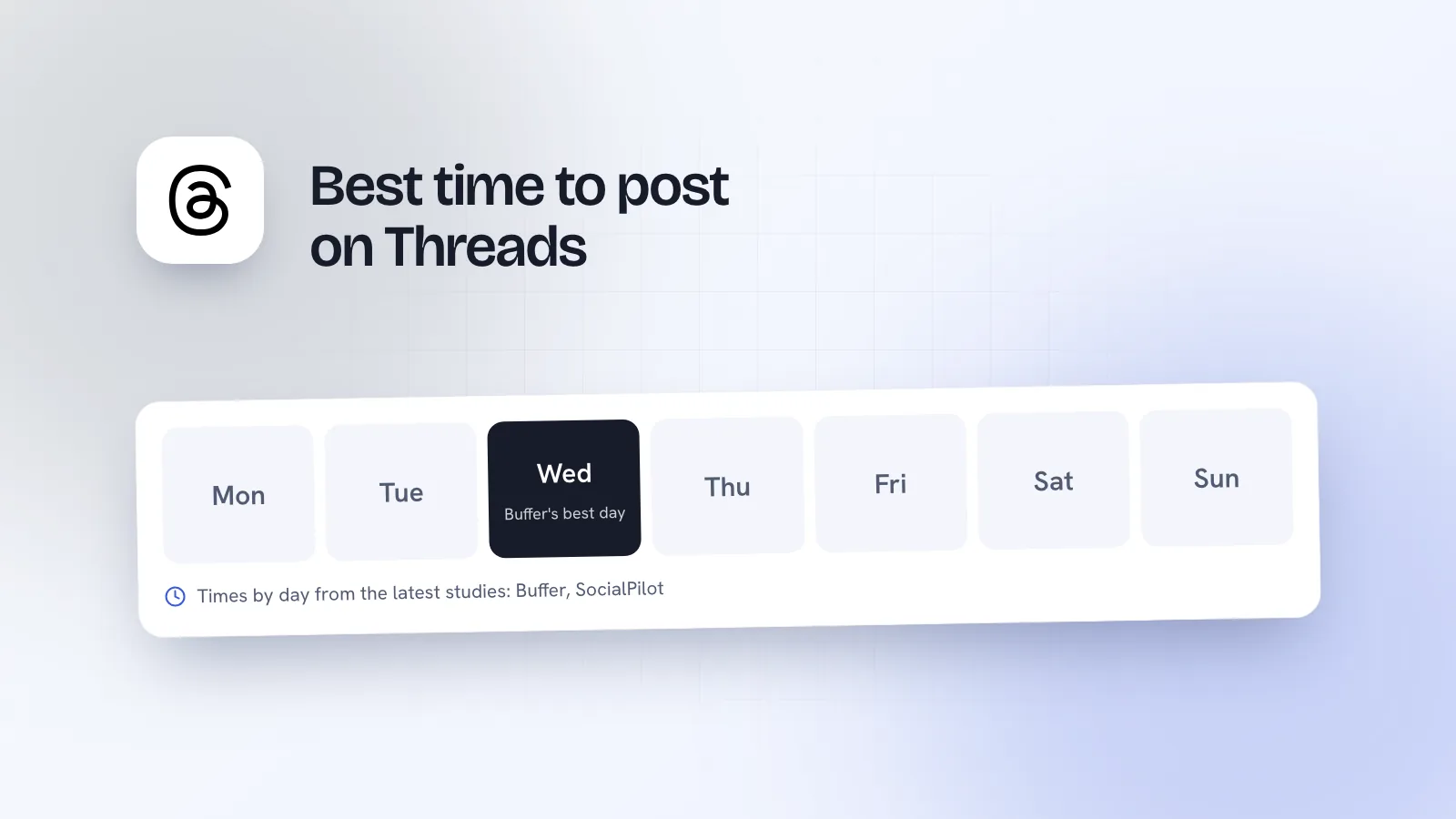
A simple weekly Threads plan
| Day | Post | Engage |
|---|---|---|
| Monday | A question for your followers | Clear the Unreplied filter |
| Tuesday | None | Answer one or two questions in a relevant community |
| Wednesday | A tip or behind-the-scenes thread | Comment on 3 to 5 local or industry posts |
| Thursday | None | Answer one or two questions in a relevant community |
| Friday | An opinion or small story | Clear the Unreplied filter and reply to everyone |
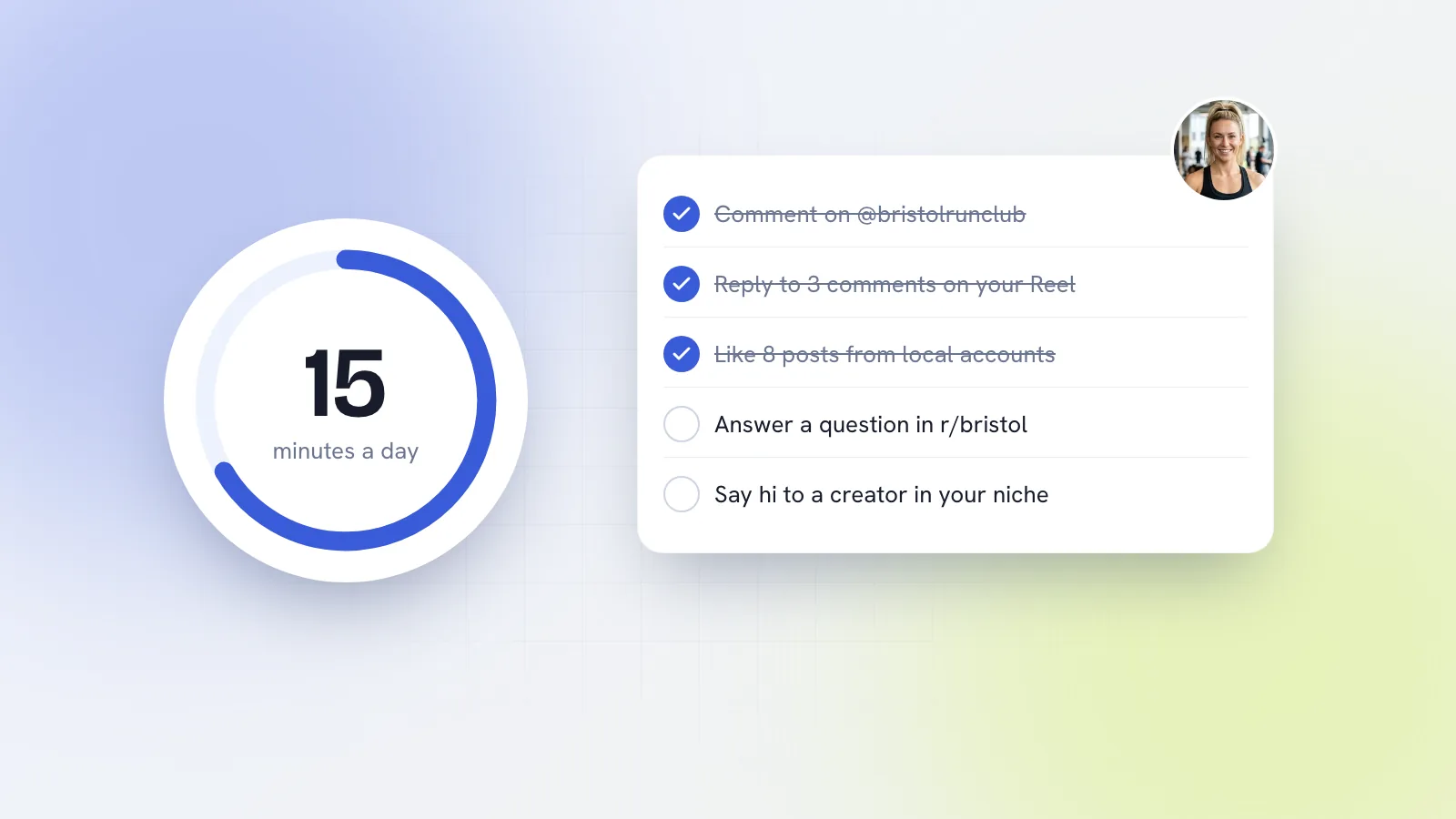
Three posts and a few minutes of engagement a day is plenty to learn whether Threads works for you. Our 15-minute daily engagement routine shows how to fit the engagement in alongside Instagram and Facebook.
How Kebo helps with Threads
Kebo treats Threads as its own platform rather than a copy of Instagram. In Content Studio, each idea gets a Threads version written as a proper thread, not a squashed caption. The Publisher schedules it alongside your Instagram, Facebook and TikTok posts, with different text for each platform. The Engagement Center prepares Threads posts worth engaging with each morning and drafts a comment in your voice; you copy, open and post it yourself.
One limit to know: Threads doesn't let third-party apps read DMs, so Kebo's Inbox can't help with Threads messages. If you run a local shop or service, our page on social media for local businesses shows how Threads fits with the rest of your week.